- Limit the first catalog deliberately
- Separate identity from display text
- Give exact identifiers a clear route
- Keep filtering and pagination consistent
- Use a small ambiguous-model fixture
- Describe stock freshness honestly
- Estimate reads, updates and image delivery
- Turn failed searches into catalog maintenance
Limit the first catalog deliberately
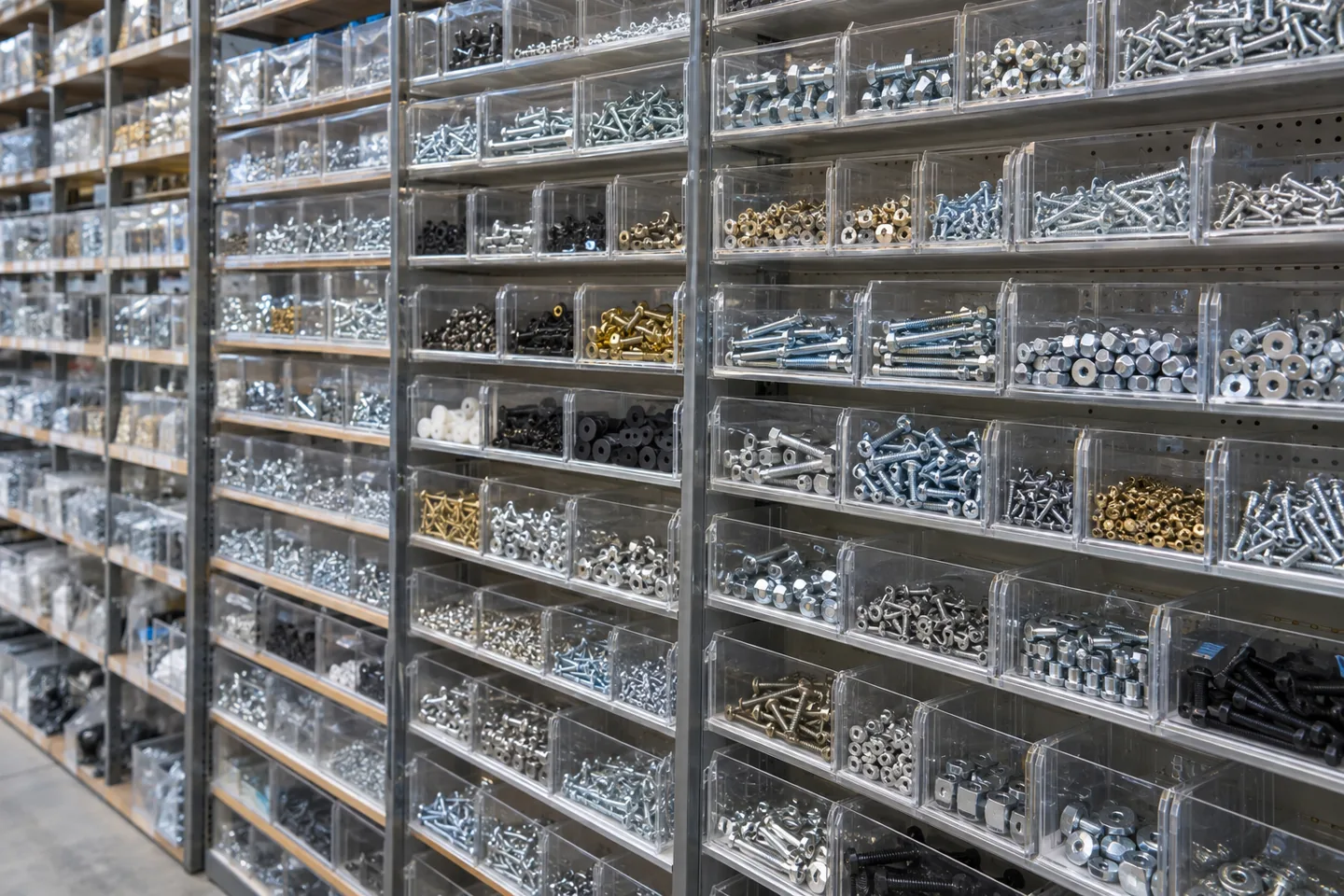
Start with one hardware product family and searchable name, model, purpose, dimensions and category. Leave ordering and customer-specific discounts for a later release. Give the agent five fictional items and two tasks: finding a known model and browsing by use. The acceptance condition is that similar products with different dimensions remain distinguishable. A large photograph alone is insufficient; the result must expose the identifying specifications.
Separate identity from display text
Use an internal product ID independently of the visible model number. Keep a normalized lookup value, title, category ID and publication status. Store dimensions or material separately when they are useful filters. Renaming an item should not change its identity or detach related assets. Replit Database can hold this information, but a public query should return only published products and approved columns, excluding supplier costs and internal notes.
Give exact identifiers a clear route
Treat exact model lookup differently from searching descriptive text. Define whether spaces, hyphens and letter case are normalized, while preserving meaningful leading zeros and dimension symbols. PostgreSQL offers full-text search, but a chosen configuration still needs evaluation for Japanese names and specialized identifiers. Begin with explicit lookup examples. If approximate candidates are offered, label them separately so a similar model is not mistaken for an exact match.
Keep filtering and pagination consistent
Show the active category, material and size alongside the search term and result count. Reset to the first page when a condition changes; otherwise a previously valid page number may make the new search look empty. Use a stable secondary ordering such as product ID. Check for omissions or duplicates between pages. If conditions are shareable in the URL, validate allowed values and impose a reasonable query-length limit.
Use a small ambiguous-model fixture
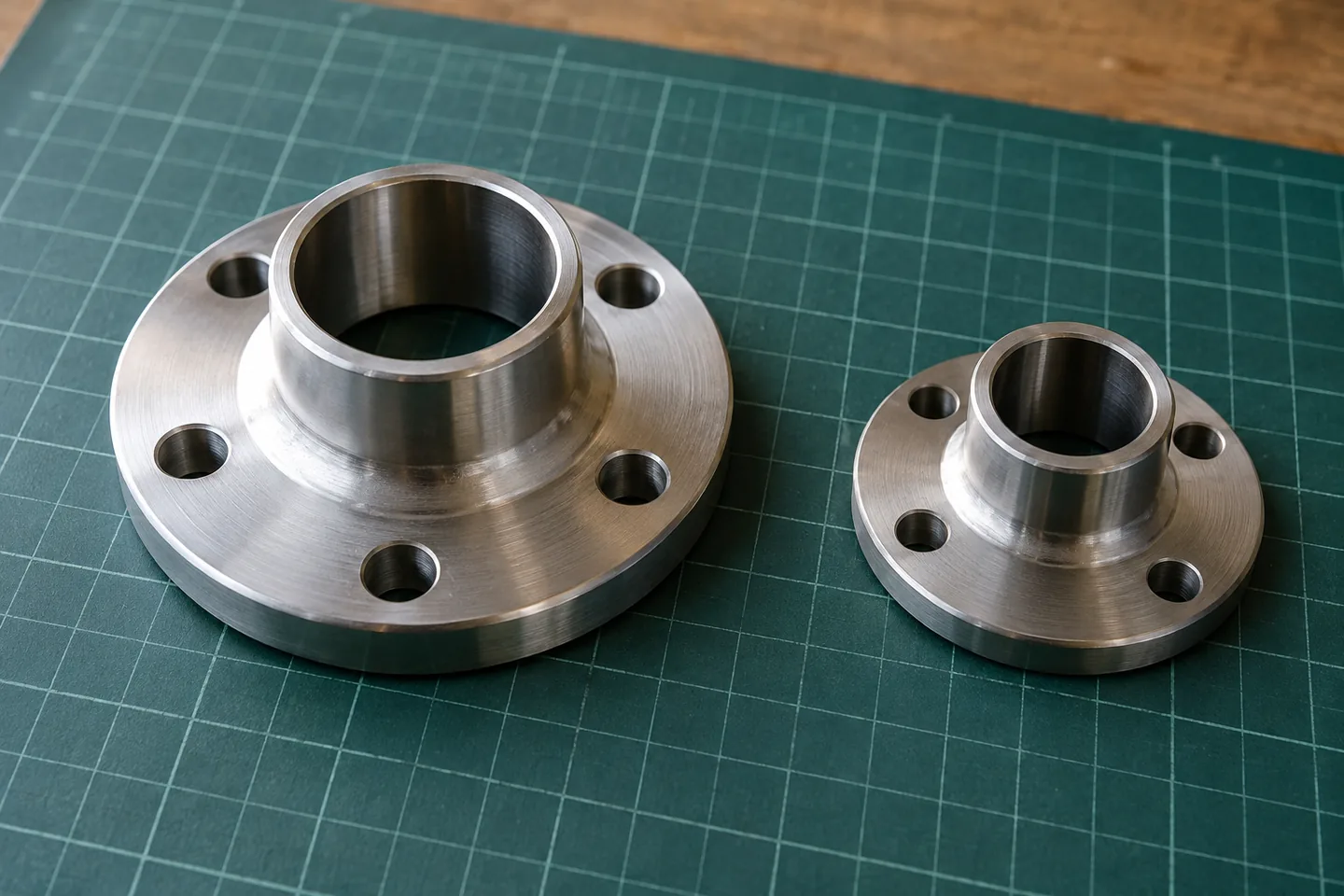
Create fictional models AB-010, AB-010L and AB-011, plus two similarly named items in another category. An exact AB-010 lookup should return one item, whereas a broader AB search may return several. Add category filters and verify that a similar identifier does not hide a specification difference. A zero-result state should help users remove conditions without substituting unrelated products. Returning from a detail view should preserve the prior search.
| Rehearsal condition | Expected outcome | Evidence to inspect |
|---|---|---|
| Exact lookup for AB-010 | Return only AB-010 | Visible model and internal product ID |
| Search for models containing AB | Show candidates with specifications | Model, dimensions and category |
| Change the category filter | Reset to the first page | Active conditions and result count |
| Stock retrieval fails | Show unknown status and last update | Last successful inventory sync |
Identifiers are fictional rehearsal data. Unknown stock is distinct from zero stock or confirmed availability.
Describe stock freshness honestly
Keep stock quantity, orderability and publication status distinct. Missing stock information is not the same as zero units. If synchronization is delayed, show the last successful stock update rather than implying that a displayed quantity is reserved. Separate catalog edits from inventory synchronization so a stock-system fault need not block every description update. Check direct product URLs as well as search results when an item is unpublished.
Estimate reads, updates and image delivery
Track development assistance separately from the published app's database, compute and asset delivery. Count searches, detail views, inventory updates and image bytes rather than relying on product count alone. Decide whether every keystroke needs a server query. Establish correctness with the small fixture, then measure representative catalog volumes before changing indexes or pagination. Consult current Replit billing terms for the selected deployment instead of assigning a universal cost per product.
Turn failed searches into catalog maintenance
Review aggregate empty-result patterns and errors to distinguish missing aliases from confusing categories. Retain only the information needed for that review, with a defined retention period rather than an indefinite record of every query. Repeated searches for a discontinued model may justify an editorial replacement link. Add each repaired case to the fixture and recheck exact lookup, filters, pagination and publication status. Keep the reason for ranking changes traceable.
Official sources
Pricing, availability and feature limits can change. Check the linked official pages before subscribing.
- Replit — DatabaseInformation checked: 2026-10-30
- PostgreSQL — Full Text SearchInformation checked: 2026-10-30
- PostgreSQL — ConstraintsInformation checked: 2026-10-30
- Replit pricingInformation checked: 2026-10-26
- Replit CoreInformation checked: 2026-10-26
- Replit StarterInformation checked: 2026-10-26
- Replit publishing costsInformation checked: 2026-10-26