
Choose the actual delivery problem
Optimization does not mean converting every asset to the same small dimensions. Review width, purpose and necessary detail against transfer size. Preserve originals and inspect the public resource first. A 1440-pixel photograph plus a smaller card version is a planning candidate, not a universal prescription. Consider HTML for essential text where feasible. A smaller export is not useful if it erases the article evidence or the site continues serving an oversized original.
Inventory delivered resources
Record page and resource URLs, rendered and intrinsic sizes, format, bytes and position. A crawler can inspect files while rendered width needs a browser review. Distinguish backgrounds, content and cards. A small rectangle can still transfer a large original. Inspect selection after viewport changes and scrolling, then reconcile public references with files. The inventory should establish the actual delivery defect rather than simply listing whatever assets happen to exist in the source directory.
Prepare appropriate responsive candidates
Prepare lead, inline and card candidates and inspect relevant detail on higher-density screens. Avoid one oversized source everywhere. Verify supported formats and use different treatment for diagrams when photographic settings damage lines or text. Preserve originals and record whether dimensions, compression or both changed. Distinguish a specialized texture image from an atmospheric lead. One context needing fine detail should not automatically make every card and page transfer the largest file.
Preserve the source and label output purpose. Record whether a candidate changed dimensions, compression or both so the cause of quality differences remains identifiable. An article discussing fine material texture needs another acceptance criterion from an atmospheric lead photograph. Avoid a single global setting that makes every context heavier to protect detail visible only in one specialized use.
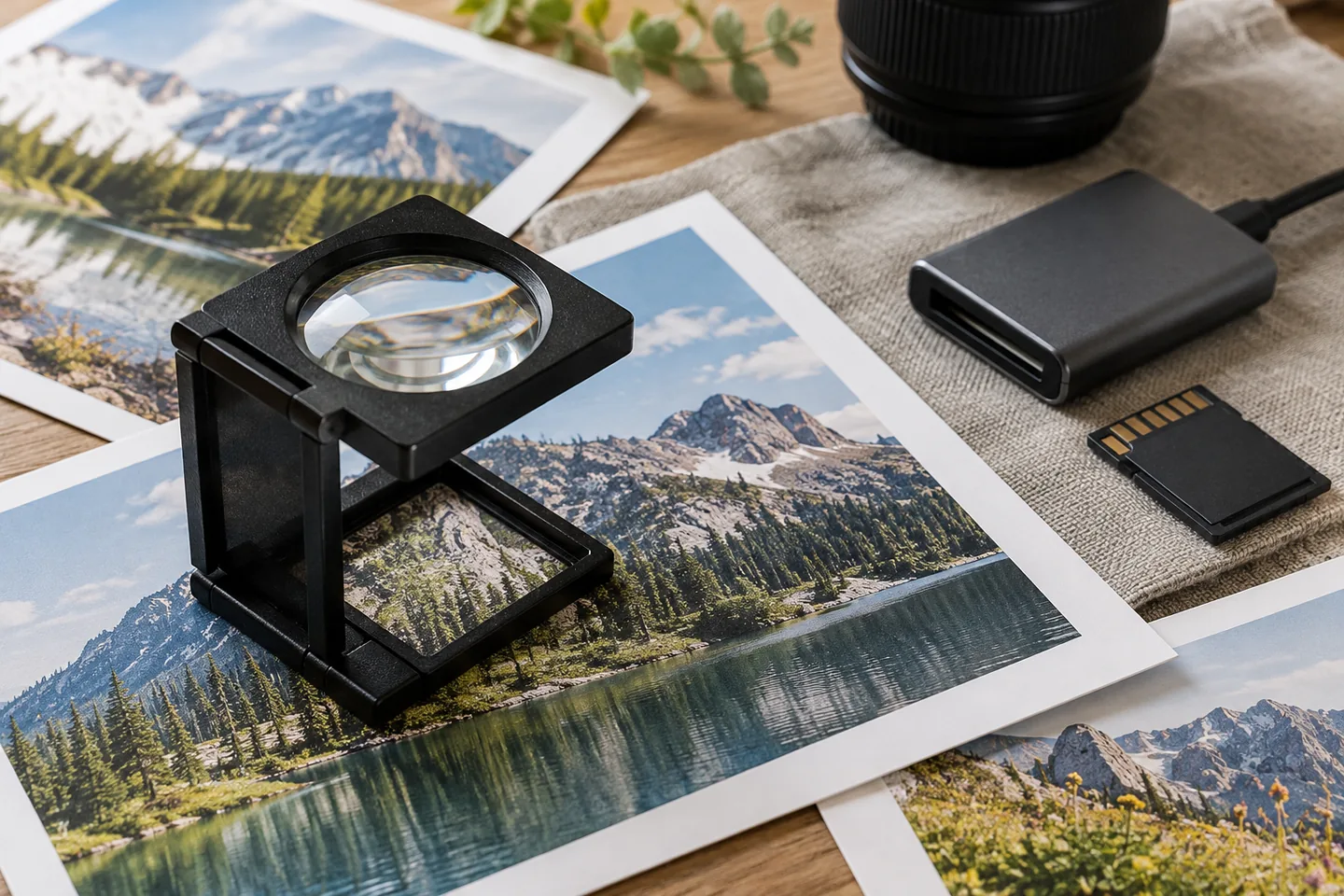
Compare quality under equal presentation
Compare candidates at equal rendered width, inspecting outline, texture, fine lines and shadows. Fewer bytes are not acceptable when the discussed feature disappears. Review a normal phone view as well as magnification and record the selection reason. Pilot photographs, details and diagrams separately. If the public page selects the wrong candidate, fix markup before repeatedly encoding again. Track destinations because replacing one shared resource can require reviewing several different display contexts.
| Item | Action | Acceptance check |
|---|---|---|
| Quality | Compare at equal rendered width | Relevant detail survives |
| Delivery | Inspect the selected URL | Candidate matches its display context |
| Timing | Compare equivalent conditions | Other delays are distinguished |
Connect candidates to the browser
Connect sizes with responsive markup and reserve dimensions to limit layout movement. Do not automatically apply lower-page lazy loading to the principal visible image. Inspect discovery and priority when it appears late. Creating optimized outputs does not change experience unless the browser selects them. Review actual public URLs, surrounding text and shifting controls under a slower connection. Confirm meaningful fallback text when media fails rather than treating successful encoding as complete delivery acceptance.
Inspect resource selection after viewport changes and when scrolling to inline media, not only the initial request. Reconcile published files with their references when device-specific candidates remain. Check that text and alt descriptions remain useful if an image fails. Performance work should preserve timely access to the principal image while handling lower-page resources according to their different role.
Separate blur from loading delays
For blur, inspect selected dimensions and rendered size as well as compression. For delay, examine discovery, priority and server response alongside bytes. Another rendering dependency may remain after transfer is reduced. Preserve reversible sources and inspect stale references after URL changes. Distinguish one lab comparison from real visitor evidence and test required environments after format changes. Keep network and visual findings together rather than presenting a size spreadsheet as the entire acceptance result.
Budget and maintain the image workflow
Budget source organization, encoding, quality review, integration and public verification. Automation needs target rules and original retention. Check transfer and transformation charges separately from base service fees. Pilot acceptance criteria before scaling and deliver sources, outputs, settings, destinations and evidence. Apply the same rules to future additions so oversized originals do not return. Monitor image search separately without ranking promises. Completion means correct served files and preserved useful information, not merely an encoder finishing successfully.
Official sources
Pricing, availability and feature limits can change. Check the linked official pages before subscribing.
- Google image SEO best practicesInformation checked: 2026-10-30
- Optimize Largest Contentful PaintInformation checked: 2026-10-30
- Screaming Frog SEO SpiderInformation checked: 2026-10-28
- Screaming Frog pricingInformation checked: 2026-10-28
- About Google Search ConsoleInformation checked: 2026-10-27
- Search Console performance metrics and setupInformation checked: 2026-10-27
- Search Console dimensions and data groupingInformation checked: 2026-10-27