Define the menu decisions
A menu page should explain what can be ordered, when, at what price and how to visit or reserve. The example groups three weekday lunch sets with main dishes, sides and serving conditions. Keep dinner-only offers separate. Essential facts belong in readable text, not only a photograph of a printed menu. Use actual food images as support and do not add popular dish names unsupported by the restaurant offer.
Maintain a source menu record
Record item IDs, names, explanations, prices, serving times, availability and review ownership. Copy tax treatment and supplements from the real business record, not old photography. Track included items, limited-offer dates and exceptions. Clarify an optional drink shown in a set image. Use verified restaurant information for allergen guidance. Tie translations to stable IDs and return uncertain conditions for confirmation instead of filling them through editorial inference.
Record what the displayed price includes. A set photograph should not imply that an optional drink or extra dish is included. Track start and end dates for limited offers and identify pages to review at expiry. Put serving exceptions in readable text, not only a tiny note in an image. Return uncertain conditions for business verification instead of filling them by inference.
Separate genuinely different menus
Separate lunch and dinner where offers and conditions truly differ without creating a thin destination for every dish. Group the decisions diners make. In Wix Restaurants, identify the actual menu application and the pages controlled by its SEO settings; a regular static page may behave differently from dedicated menu pages. Map the management location to public destinations so image, text and print updates do not quietly become separate conflicting records.
Match photographs to the actual serving
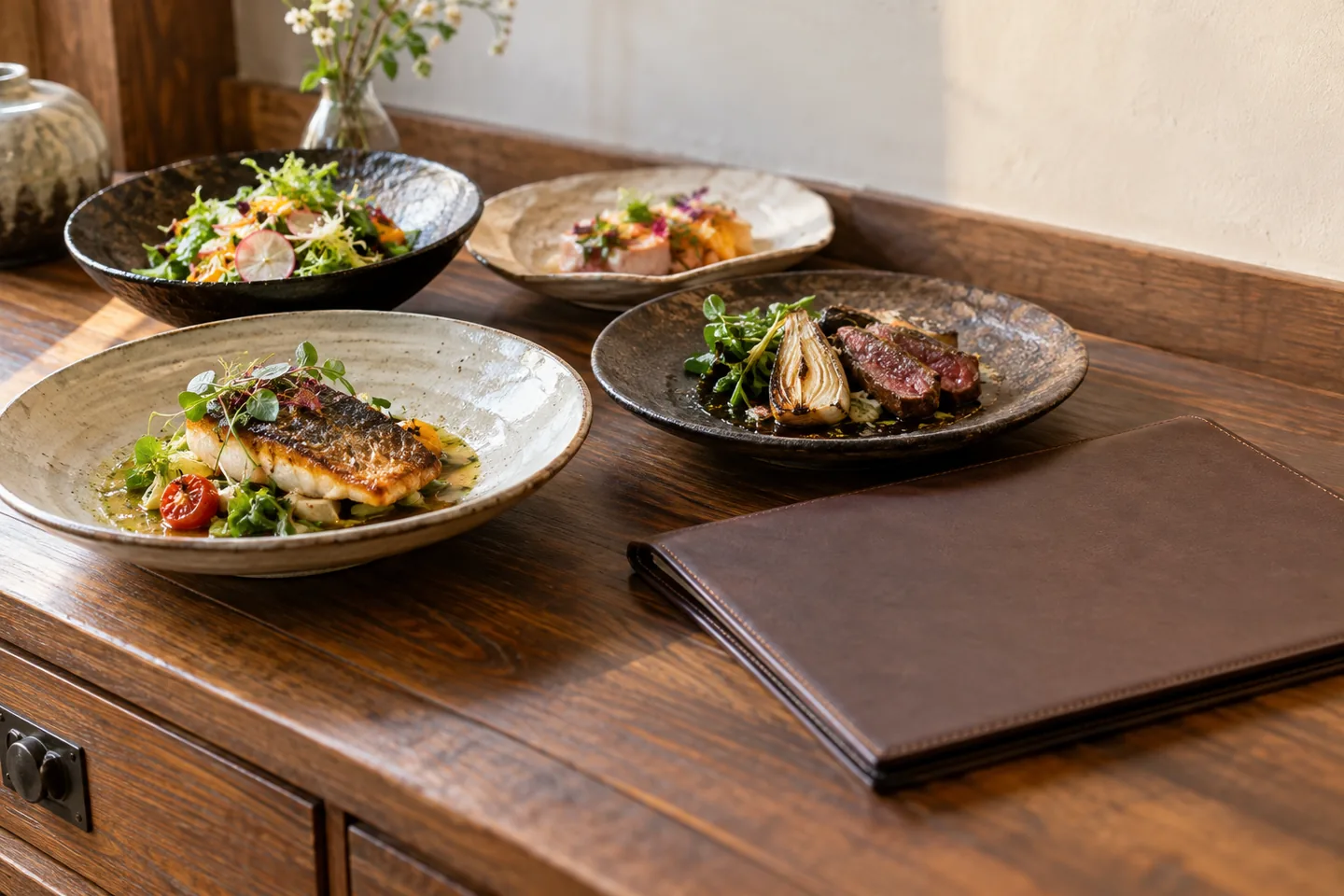
Map each photograph to the described serving and review sides or presentation after changes. Place names and factual text nearby; do not put the only price inside a graphic. Arrange content for phones rather than a wide all-purpose table. Resolve misleading quantities or decorative food styling through a new image or clear explanation. Group photography still needs dish identification. Direct entrants should also find restaurant identity and location, not merely an attractive food list.
| Item | Action | Acceptance check |
|---|---|---|
| Dish | Record identity and conditions | Matches the real offer |
| Photo | Map to the described serving | Sides are not misleading |
| Update | Reconcile text and images | Prices and serving times agree |
Inspect the live menu and booking route
Use a title identifying the restaurant and menu without unsupported place or dish names. Check URL, indexing controls, navigation and languages. Reconcile photographed and written prices after publishing. Test both home-page navigation and direct entry, then follow external bookings to the correct venue and offer. Search snippets are automated, not guaranteed verbatim output. Compare serving windows with current opening conditions so the page does not advertise an unavailable meal.
Test both navigation from the home page and direct entry to the menu. A diner who lands on a dish list still needs restaurant identity and location. Follow any external reservation link and confirm the correct venue and offer. Reconcile serving conditions with current opening hours so a well-described dish is not advertised at a time when it cannot be ordered.
Handle temporary and lasting changes
Treat a daily sell-out differently from permanent removal. Deleting the whole menu may also remove useful visiting information. Reconcile text, photographs, reservation paths and external profiles after price or time changes. Use IDs to avoid lunch-and-dinner mix-ups. Plan expiry review for limited offers and distinguish editing permission from publication authority. Inspect language propagation behavior and preserve a workable update process rather than relying on staff to remember every public copy.
Budget and hand over maintenance
Separate photography, descriptions, configuration, language review and post-publication reconciliation. A subscription may not include new photographs or translations. Budget print-and-web consistency when both are maintained, and prioritize a usable update path over decoration. Deliver item records, URLs, image mappings, ownership and review dates. Record any non-public staff update exercise actually performed. Search impressions, reservations and visits are different outcomes; do not infer measured footfall from visibility changes alone.
Official sources
Pricing, availability and feature limits can change. Check the linked official pages before subscribing.
- Wix Restaurants: Menu SEOInformation checked: 2026-10-30
- Wix Restaurants: Managing menusInformation checked: 2026-10-30
- Search Console Performance reportInformation checked: 2026-10-30
- Wix plansInformation checked: 2026-10-26
- Upgrading your Wix siteInformation checked: 2026-10-26
- Wix Bookings site translationsInformation checked: 2026-10-26
- About Google Search ConsoleInformation checked: 2026-10-27
- Search Console performance metrics and setupInformation checked: 2026-10-27
- Search Console dimensions and data groupingInformation checked: 2026-10-27