
Begin with one review step
Let one employee group several expense lines into a claim and send it to one reviewer. Leave multi-department approval, budget distribution and payments outside the first release. Approval and reimbursement are different facts, so an approval click should not mark money as paid. Ask for separate draft-editing and review screens. Derive the applicant's identity from the authenticated session rather than trusting a name field submitted by the browser.
Version claims and their lines
Keep a claim identifier, applicant, period and current status, with a distinct submitted version each time. Expense lines hold date, purpose, amount, currency and receipt reference. Decisions should identify the version reviewed so a later edit cannot change the meaning of an earlier approval. Lovable's Supabase integration is one backend option. Define data access for the applicant and assigned reviewer instead of returning everyone's receipts and hiding them in the interface.
Specify amounts and currencies
Use integers for whole-yen lines. If foreign currencies are allowed, retain the currency and decimal convention with each amount rather than adding yen and dollars into one apparent total. Any conversion needs an explicit rate, date, target currency and rounding policy. Reject incomplete or out-of-range amounts. Use exact decimal storage or scaled integers where appropriate, and keep formatted display strings out of calculations. Business classifications should remain reviewable inputs, not guesses from receipt appearance.
Freeze the submitted version
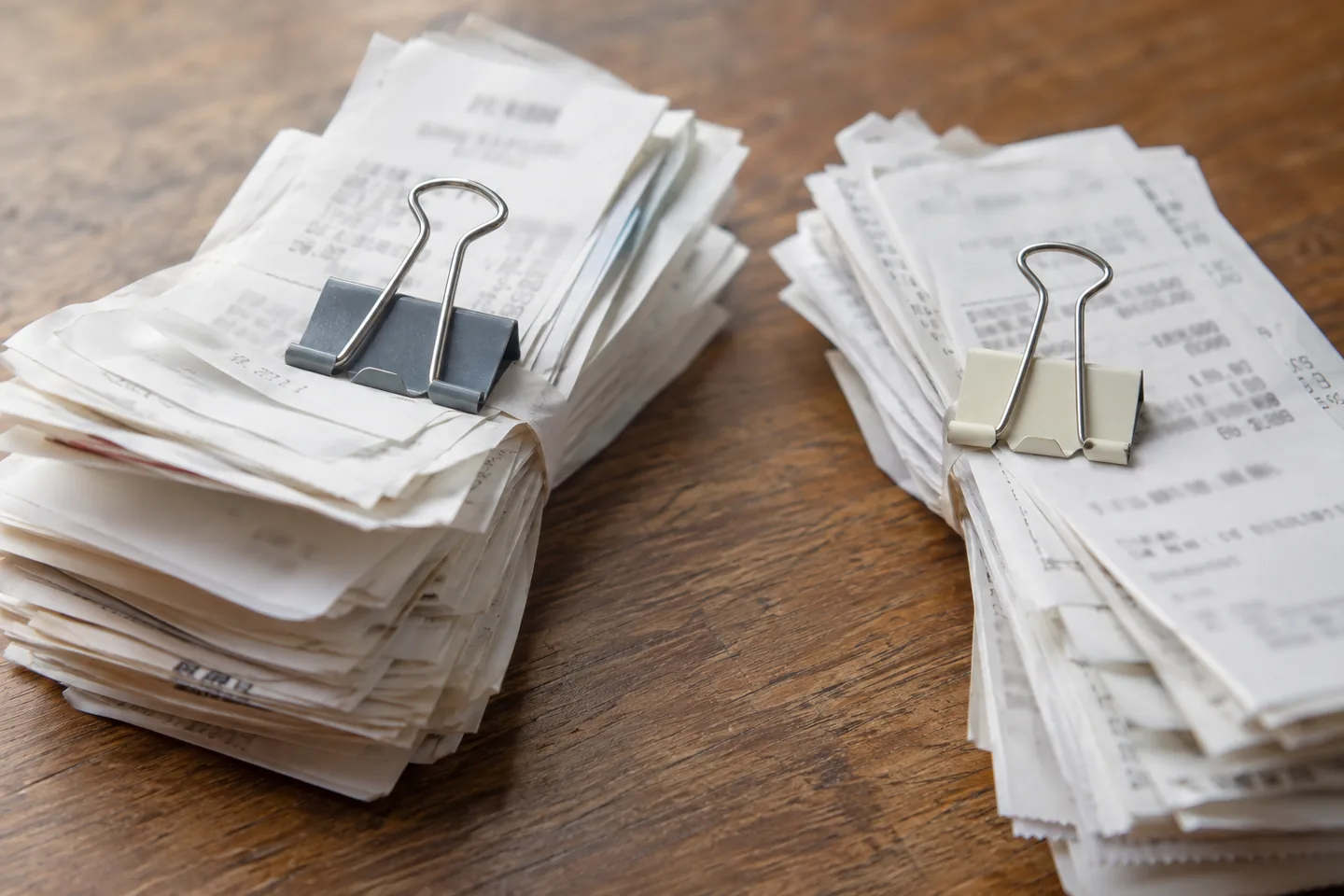
The submit operation should validate required fields and receipt state on the server, then preserve the version sent for review. Enforce editing rules in the write path, not only through disabled controls. A reviewer must be assigned to the claim and act on the expected submitted version. If it has already been returned or replaced, reject the stale decision. Save the actor, decision time and reason together with the resulting status.
Rehearse a two-line claim
Use fictional lines of 1,200 yen for travel and 800 yen for supplies, giving a same-currency total of 2,000 yen. If a required receipt is missing, point to the affected line rather than accepting the claim because a total exists. Then return the claim for a clearer purpose, amend the draft and resubmit. The intended outcome preserves the original submission, return reason and new version as separate traceable records.
| Rehearsal condition | Expected outcome | Evidence to inspect |
|---|---|---|
| Lines of 1,200 and 800 yen | Total equals 2,000 yen | Currency and line amounts |
| Required receipt is missing | Block submission and identify the line | Receipt requirement and attachment state |
| Resubmit after a return | Keep old and new versions distinct | Return reason and submitted version |
| Approve from an outdated page | Reject a mismatched current state | Target version and reviewer permission |
Amounts are fictional rehearsal values. Approval and reimbursement are separate states.
Preserve returns and corrections
Return a claim by creating an editable draft from the relevant values, leaving the submitted version and review comment intact. Compare the next submission with its predecessor. Replacing an attachment should change the new version's reference rather than silently replacing a previously approved receipt. If approval reversal is needed, define the authorized role and record a reason. Repeated delivery of one decision should resolve to the same operation rather than duplicate its history.
Budget for documents and review activity
Separate Lovable development usage from the deployed app's database, receipt storage and notifications. Count claim volume, lines per claim, average attachment size, return cycles and retention. Start with one currency and one reviewer before expanding approval routes. Assign someone to decide retention for the organization and distinguish application deletion from backup handling. Review current storage and billing terms. Historical attachments should remain scoped to authorized users even when a reporting export is added.
Reconcile during the first release
Check an applicant, an assigned reviewer and an unrelated account. Include another person's receipt URL, an unassigned claim and an approval sent from an outdated page. Staff should identify the current submitted version from its history, not just a queue count. If intake pauses, keep pending claim identifiers available to authorized staff. After recovery, reconcile saved operations before asking users to submit again, and link any accounting export to its approved version.
Official sources
Pricing, availability and feature limits can change. Check the linked official pages before subscribing.
- Lovable — Connect to SupabaseInformation checked: 2026-10-30
- PostgreSQL — Numeric TypesInformation checked: 2026-10-30
- PostgreSQL — ConstraintsInformation checked: 2026-10-30
- Lovable pricingInformation checked: 2026-10-26
- Lovable subscription plansInformation checked: 2026-10-26
- Lovable credits and usageInformation checked: 2026-10-26
- Lovable GitHub syncInformation checked: 2026-10-26