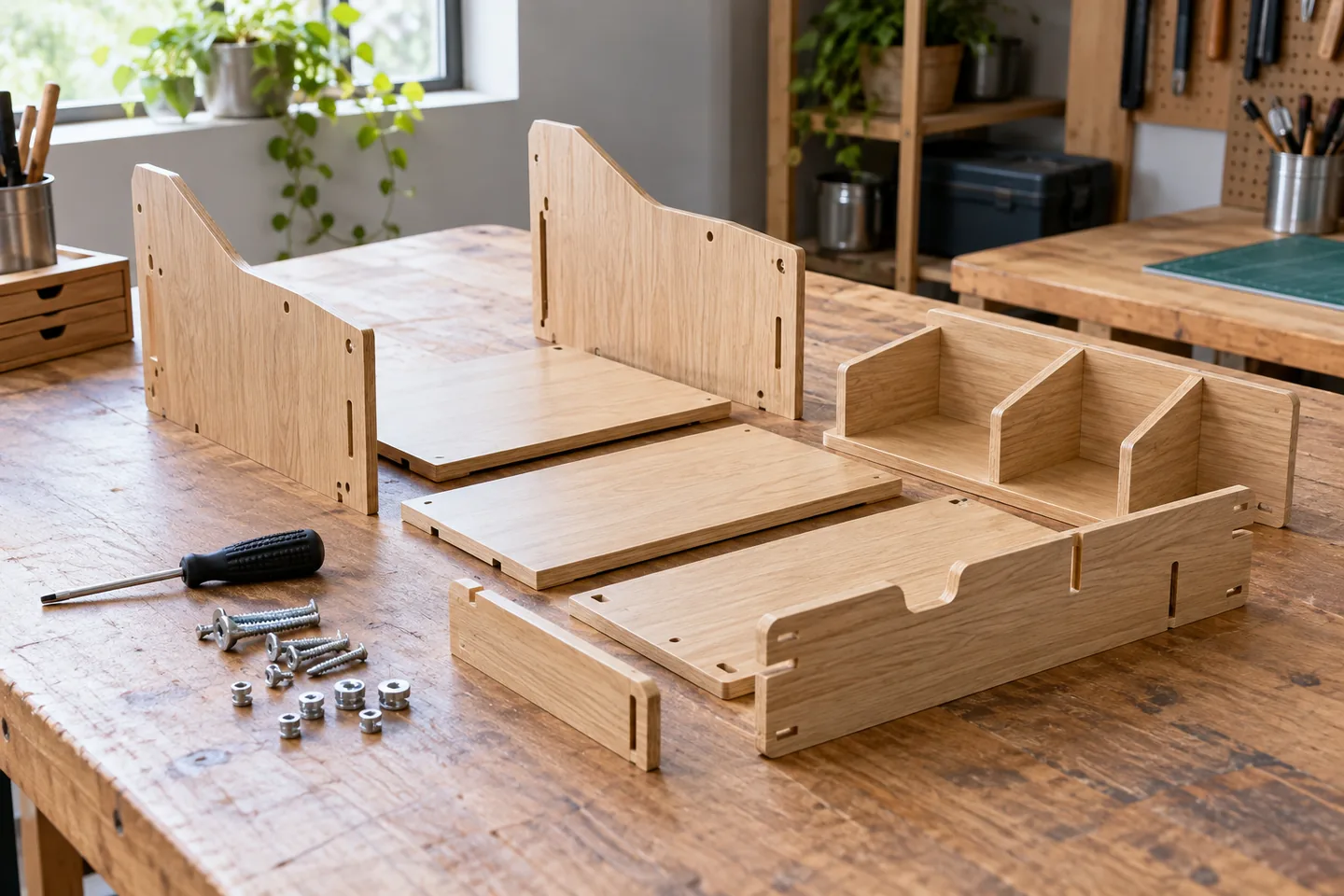
Identify the exact assembly revision
Identify the organizer model and instruction revision before filming. Similar-looking kits may use different screws or sequence. Verify parts, tools and completed state against the supplied instructions rather than replacing them with a visually convenient guess. State applicability clearly. Shooting order can differ, but the edit must restore the approved procedure. Separate a final usage example from assembly and make decorative accessories distinguishable from included components. Detail views are necessary where a wide shot hides the joint.
Build a real parts inventory
Lay out actual supplied components and reconcile quantity and orientation. Capture close views of confusing screw types and use official identifiers in captions or diagrams. Do not fabricate a missing part through generated imagery. Resolve damage or shortages before filming. Show hole placement on handed panels and both states of a flip. Separate optional tools from supplied parts and retain an inventory still so continuity can be checked after assembly has progressed.
Show orientation before fastening
Show each part orientation before and after fastening. Add a close-up when a tool obscures the connection. Preserve understandable camera direction and follow the official distinction between loose and final fitting without inventing torque values. If a screw remains too small, change the detail framing rather than merely centering it. A reshoot may be clearer than more captions. Reconcile nearby screws and parts when inserting footage captured on a different day.
Keep a parts-layout still for continuity checks. Show hole placement when panels have left and right versions, and show both sides of a flipping action. Add a detail shot when screw heads remain too small. Reuse the official part identifiers rather than introducing another numbering system that forces viewers to translate between the video and manual.
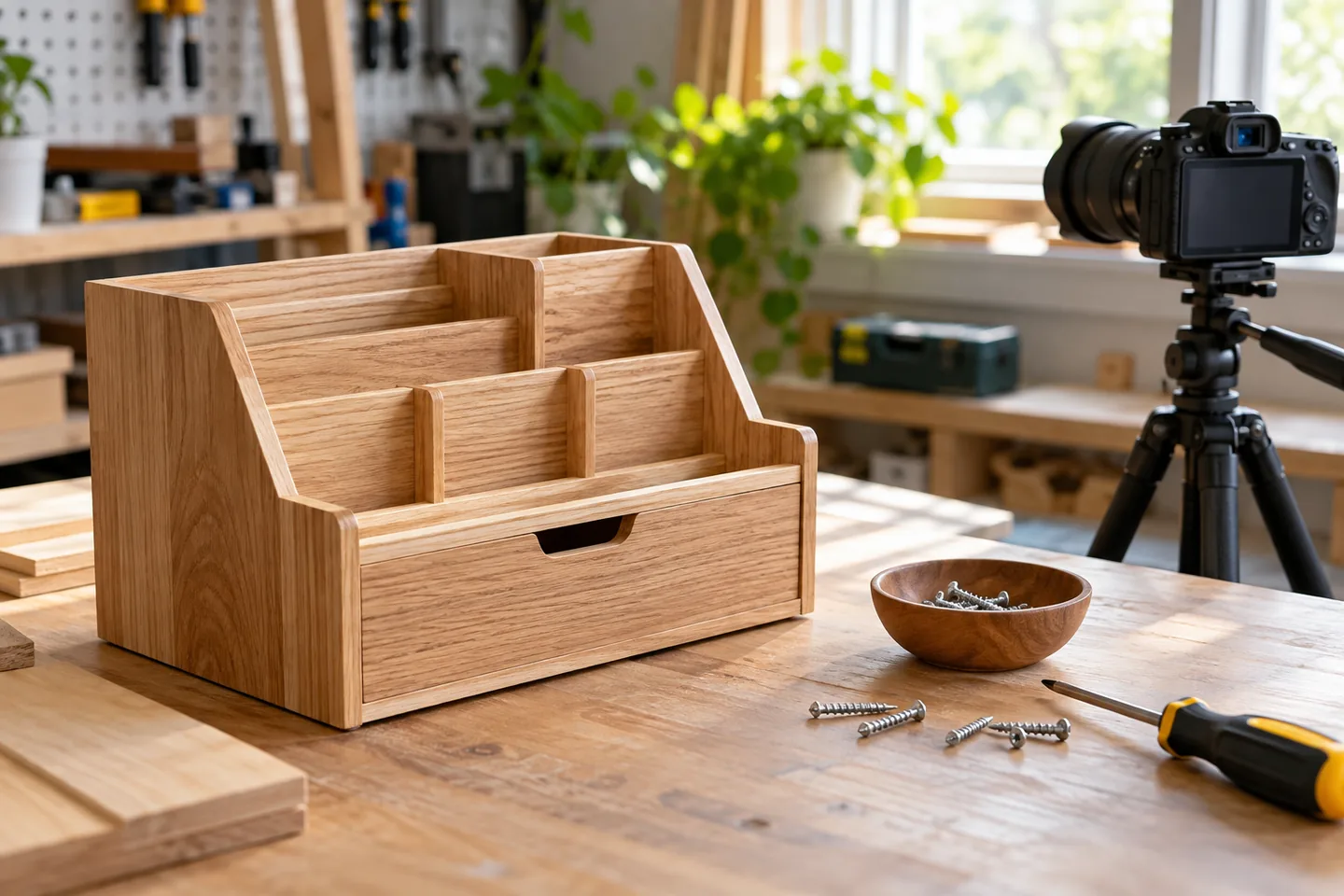
Give each scene a single action
Use one action per scene, such as inserting a side panel or loosely fitting a screw. Preserve before and after states when repetition is accelerated. Place governing instructions before or alongside their action instead of revealing a warning only afterward. Reserve caption space without covering identifiers or joints. Distinguish optional positions used in the example from mandatory conditions so a convenient filming arrangement is not mistaken for the only valid assembly.
| Item | Action | Acceptance check |
|---|---|---|
| Parts | Reconcile model and quantities | No mixed product revisions |
| Stage | Show orientation and result | The joint remains visible |
| Delivery | Reconcile manual and video | Sequence and cautions match |
Reconcile the export with the manual
Review the export in manual order and inspect missing connections. A correct-looking final object does not validate an incorrect intermediate step. Reconcile identifiers across image, captions and instructions, then compare the completed scene with the approved reference. Keep warnings before relevant actions. If physically rebuilding the kit is tested, record model and part condition separately from a visual review. Do not generalize evidence to another revision merely because the completed products look alike.
Reconcile identifiers across footage, captions and the manual. Compare the last scene with the approved completed-state image. Distinguish an optional placement used in the example from a required assembly condition. If a physical rebuild is tested, record the model and parts condition and avoid generalizing that result to other revisions.
Correct a physical mismatch honestly
Reshoot an incorrect orientation rather than placing a contradictory correct caption over it. Recheck continuity around replacement cuts. A revised product with changed parts needs its own applicability review, not a renamed old video. Identify the version publicly. Before retiring an older release, consider existing owners who still need it. Keep support access to the relevant revision without presenting obsolete instructions as suitable for a newly supplied kit.
Budget assembly and handover work
Include assembly, permitted disassembly, detail reshoots and manual reconciliation, not only editing. Check parts that cannot tolerate repeated fastening before planning another take. Separate one initial kit, two additional detail shots and caption corrections as hypothetical workload items. Reserve factual-review time. Deliver model, instruction revision, date, destinations, inventory and useful stills. Improve a repeatedly confusing stage before creating another broad video, and preserve access to the approved written instructions.
Official sources
Pricing, availability and feature limits can change. Check the linked official pages before subscribing.
- CapCut desktop editing guideInformation checked: 2026-10-30
- CapCut Help CenterInformation checked: 2026-10-30
- CapCut plansInformation checked: 2026-10-27
- CapCut Pro and export requirementsInformation checked: 2026-10-27
- CapCut commercial-material guidanceInformation checked: 2026-10-27
- CapCut account, region and subscription accessInformation checked: 2026-10-27
- VEED pricingInformation checked: 2026-10-27
- VEED subtitle editorInformation checked: 2026-10-27
- VEED watermark helpInformation checked: 2026-10-27
- VEED export helpInformation checked: 2026-10-27