Design for mid-cycle visitors
An unattended loop should identify the product and its purpose without a presenter, including for visitors arriving midway. Divide the cycle into identity, application and further information. The example uses sixty seconds for an instrument, with three twenty-second roles; this is planning, not an equipment rule. Make each scene understandable to a brief viewer. Separate screen explanation from catalogue depth rather than depending on a long opening or unreadably dense specifications.
Confirm venue and player conditions
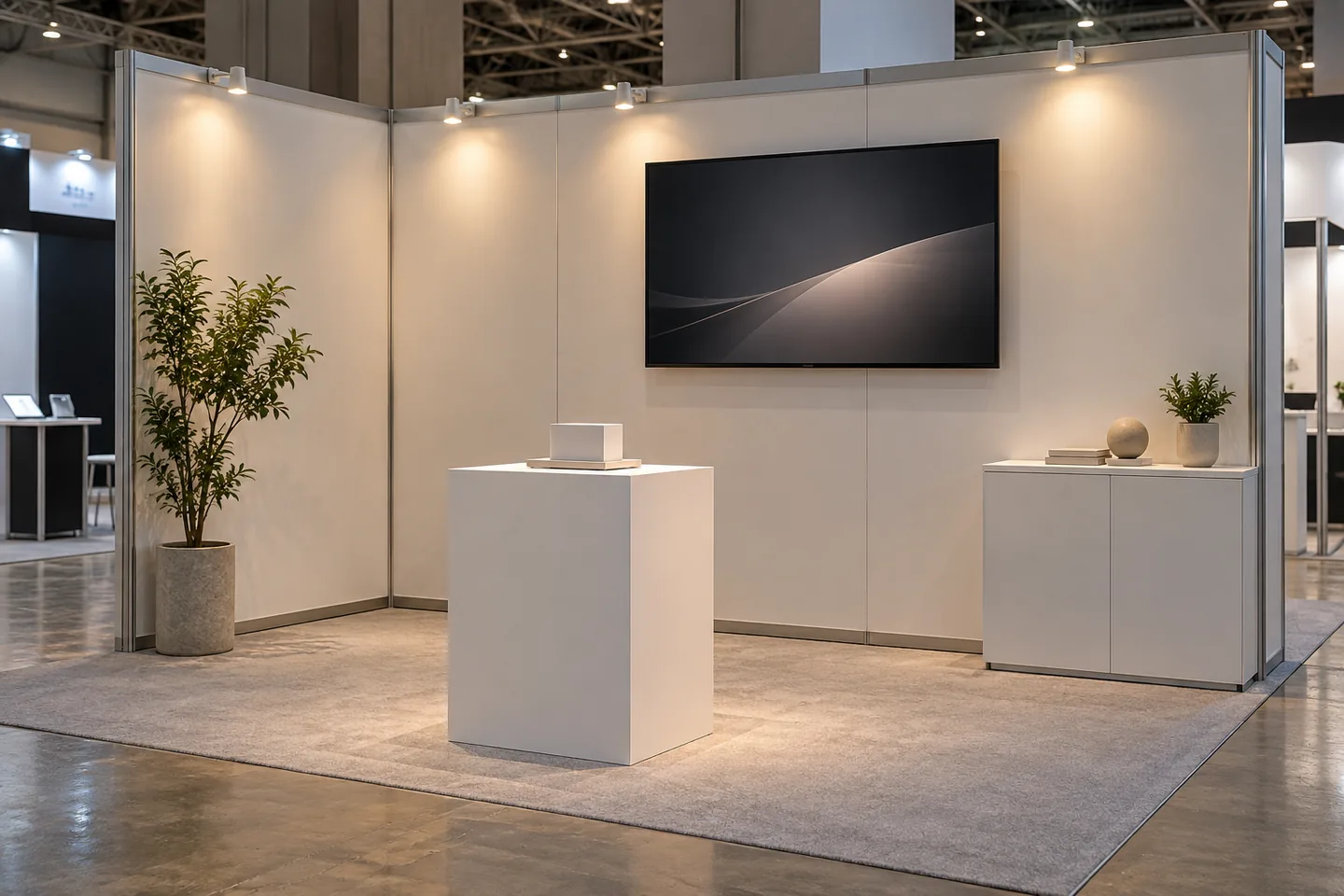
Check display, player, power and connectivity before editing. Local delivery may be preferable when networking is unnecessary. Confirm sound restrictions, orientation and encoding, and record model, connection and power-on behavior. Establish whether opening staff must start playback. Mark venue-only checks as pending and hand them to an owner. A compatible laptop preview does not establish that a different exhibition player starts the file correctly after installation or an unexpected restart.
Record equipment model, orientation, connection and power-on behavior. Establish whether playback starts automatically or requires an opening-time action. Include notifications and reconnect behavior in the installation checks. Mark venue-only checks as pending when they cannot be performed earlier, then assign concrete acceptance items to the installation owner.
Build independently useful product scenes
Repeat identity where needed and keep copy brief. Use real demonstrations for actual behavior rather than generated movement implying unsupported performance. Comparison figures need conditions and evidence. Include useful details of connectors or controls and move depth into a catalogue. Do not hide important limits in momentary fine print. Reconcile footage with the displayed model; superficial resemblance does not establish that another revision demonstrates the same capabilities or physical connections.
Plan the return transition
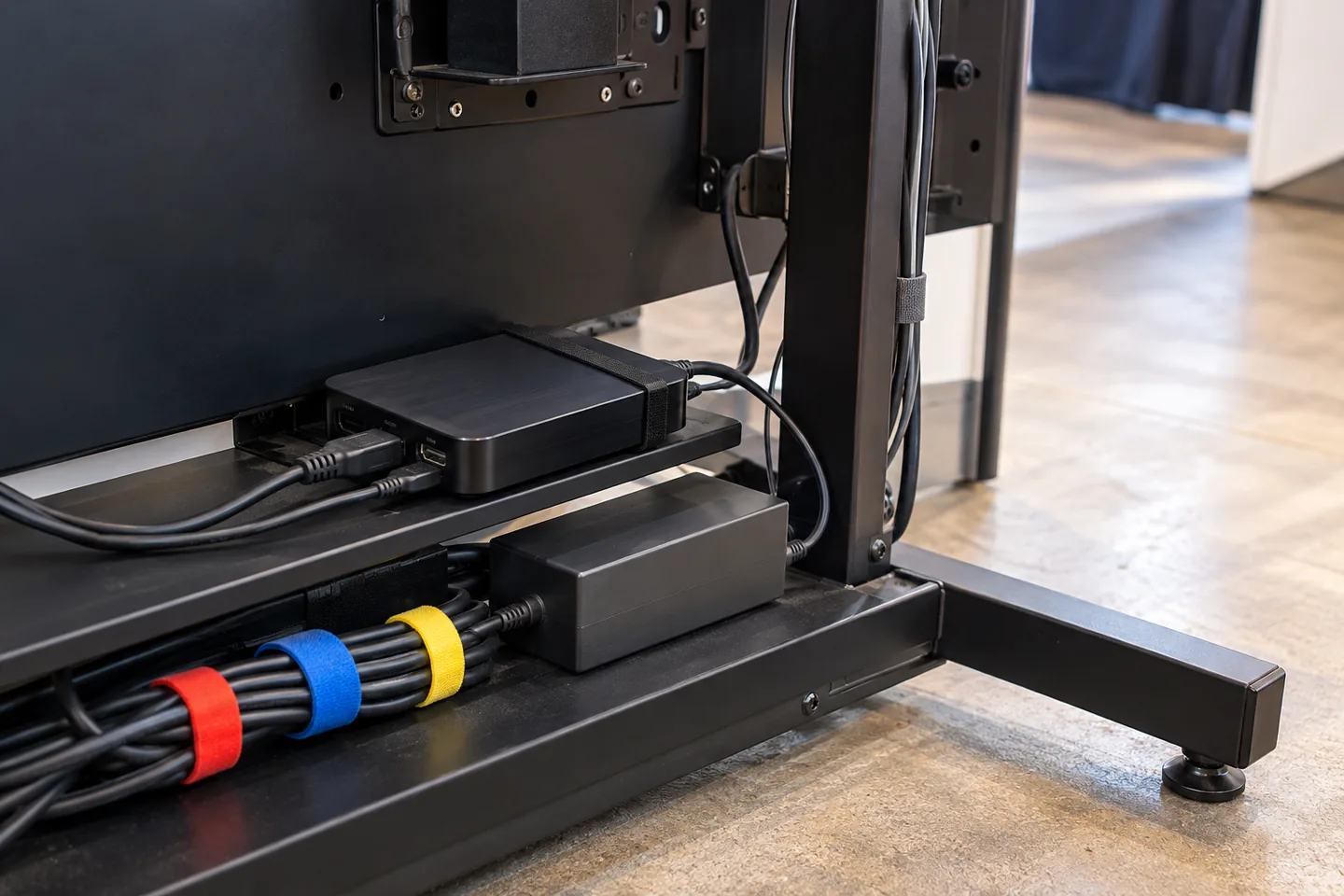
Edit the final-to-opening transition deliberately and check audio endings if permitted. A seamless timeline cannot remove every pause caused by a device reopening the file. Remove unintended black tails and inspect the player loop settings. Keep destinations usable, including scannable codes without distracting motion. Test the actual display. Editorial continuity and physical repeat playback are different acceptance items; neither should be inferred solely from the other.
| Item | Action | Acceptance check |
|---|---|---|
| Player | Test from startup | Supported encoding plays |
| Cycle | Inspect end-to-start | No unwanted black tail |
| Recovery | Provide stop control and fallback | The operator can recover playback |
Test startup and operating cycles
Test from startup through several cycles on the intended equipment. Inspect sleep, notifications and scaling before compensating for cropping in the edit. Record observation duration; a short review cannot prove uninterrupted event operation. Open linked information from a visitor device, not only a staff network, and reconcile catalogue versions. Playback availability and public destination access are different requirements. Retain the actual tested player and filename rather than a general note that video worked.
Distinguish loop-seam review from longer operation testing and record the actual observation duration. A short check cannot establish uninterrupted playback throughout an event. Open linked resources from a visitor device, not only a staff network, and reconcile them with the printed catalogue version. Both the player and the public information path need acceptance.
Prepare recovery and a verified fallback
Deliver a restart procedure and a clearly identified accepted file. Verify backups for stale specifications or offers. Define a useful offline path and a checked static fallback rather than rushing an unfinished edit onto the screen. Keep drafts off delivery media and identify recovery ownership. Reconcile replacements made during the event with the final archive so the next installation does not restore the original pre-correction version from an older USB drive.
Budget installation and close the release
Separate editing, player preparation, compatibility review, installation and event support. Verify exhibition permissions for assets. A new venue requires renewed checks of dates, product facts, destinations and equipment even when creative material is reused. After the event, archive accepted files and settings and retire event-only offers. Successful unattended playback does not establish visitor leads or commercial impact unless those outcomes were actually measured through an appropriate defined process. If shipped and tested devices differ, record the gap explicitly; similar model names do not establish identical playback behavior.
Official sources
Pricing, availability and feature limits can change. Check the linked official pages before subscribing.
- CapCut desktop editing guideInformation checked: 2026-10-30
- CapCut Help CenterInformation checked: 2026-10-30
- CapCut plansInformation checked: 2026-10-27
- CapCut Pro and export requirementsInformation checked: 2026-10-27
- CapCut commercial-material guidanceInformation checked: 2026-10-27
- CapCut account, region and subscription accessInformation checked: 2026-10-27
- VEED pricingInformation checked: 2026-10-27
- VEED subtitle editorInformation checked: 2026-10-27
- VEED watermark helpInformation checked: 2026-10-27
- VEED export helpInformation checked: 2026-10-27