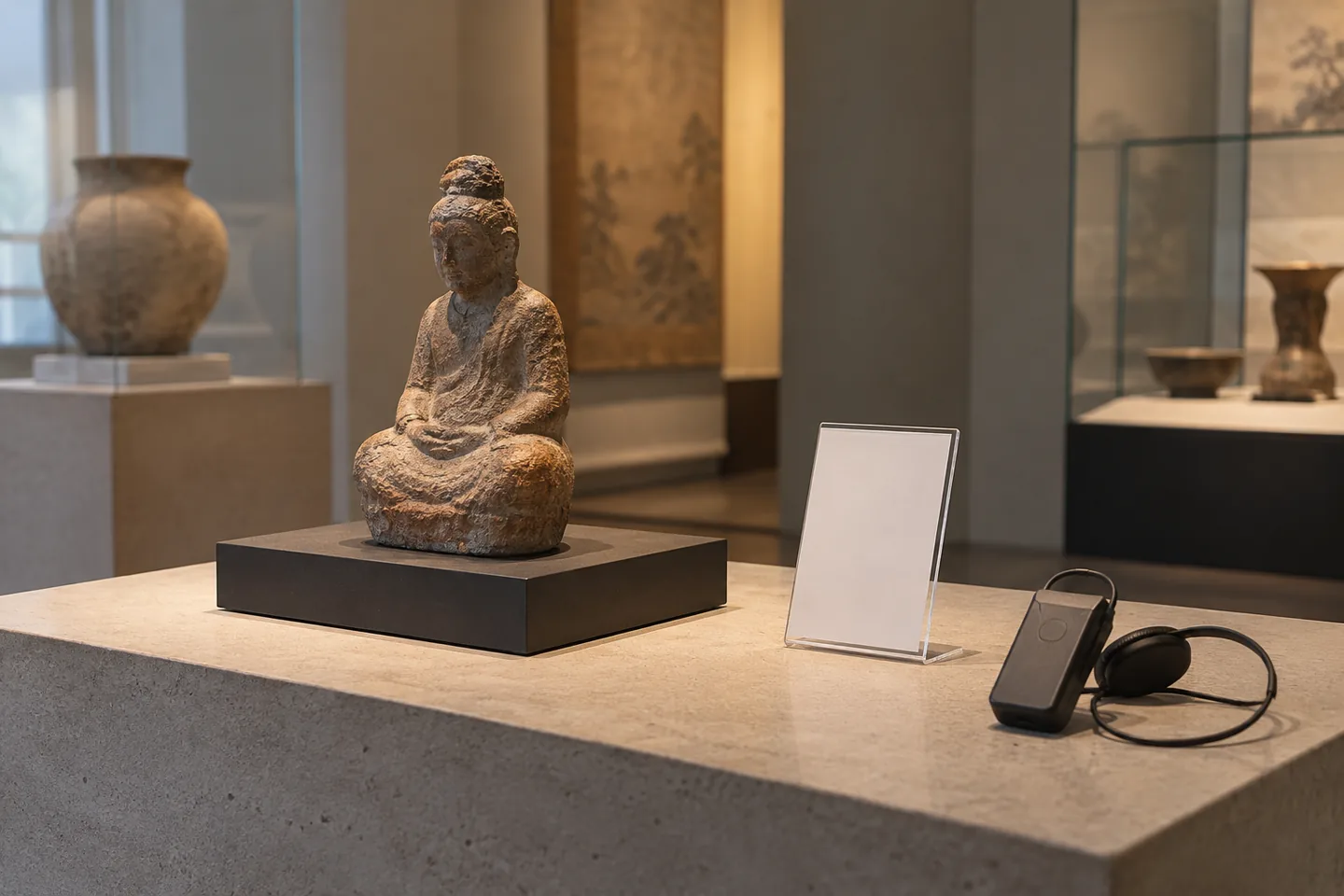
Create a stable object-to-page map
Assign stable identifiers such as EX-01 to three exhibition objects. Maintain titles, scripts, languages, reviewers and public URLs in an object register. A QR code pointing to a temporary download is fragile when audio is regenerated or moved. Prefer a stable listening page whose accepted audio can be replaced without changing the printed code. Speech generation, hosting and domain maintenance are separate responsibilities, even when a convenient prototype combines them.
Select an interpretive viewing cue
Write a short viewing cue before the background explanation. Verify dates, materials and names against the exhibition record, and do not present speculation about artistic intention as fact. Visitors may be standing, so move optional depth into text. Japanese and English need equivalent facts and observation targets rather than equal character counts. Obtain editorial approval before generation so a later correction has an identifiable script baseline.
Give each object a distinct viewing cue. Separate permanent object facts from temporary directions about its position, so moving a display does not require rewriting the interpretation. Have the venue review whether the suggested viewing position is appropriate. A later page-heading change still requires reconciling the object mapping with the accepted recording.
Pilot names and pronunciation
Generate one object first and inspect specialist vocabulary, names and places. Pronunciation controls vary by language and selected model, so verify behavior rather than copying settings blindly. Adjust the surrounding sentence when useful and preserve accepted readings. Background audio must not mask speech or imply documentary evidence about the object. Establish the pronunciation and quality standard on one pilot before producing every object and language version.
Publish speech and readable text together
The object page should identify the work, provide a language choice and offer both text and a player. Let visitors start playback. A slow media request should not block the explanation. Decide downloads and offline access from venue requirements. Generate printed codes from public maintained URLs, not previews or protected shares. Test signed out, because a working organizer account does not establish access for an ordinary visitor.
| Item | Action | Acceptance check |
|---|---|---|
| Object ID | Map script and public URL | Matches the display label |
| Audio | Review one object sample | Names and facts are accurate |
| Printed QR | Scan at the display location | Opens on a visitor device |
Test printed codes at the gallery
Print a real-size sample and scan it under the intended lighting. Review reflection, connectivity, language switching and headphone playback. Open all three works in sequence to detect copied destinations or overlapping audio. Reconcile page and physical-label identifiers explicitly. Record the actual venue conditions reviewed. A successful desk scan is useful evidence, but it does not replace the printed-code test at the place where visitors will use the guide.
Test stopping as well as completing playback and check movement between two object pages for overlapping sound. Keep language navigation shallow enough to preserve object identity. If on-site testing has not occurred, mark that milestone as pending and schedule the printed-code check rather than describing a successful desk URL test as completed venue validation.
Separate access failures from speech defects
Investigate URL, publication and connectivity when a page fails, rather than immediately regenerating audio. Inspect file responses and player behavior when only playback fails. Correct a misreading without changing the stable object URL. Track script and recording revisions separately so corrected text does not coexist with obsolete speech. Decide post-exhibition availability in advance, and reconcile printed materials after changes instead of assuming a page edit updates physical signage.
Estimate and hand over the guide
Three objects in two languages create six accepted files, but drafts and corrections also consume resources. Count script volume and revisions using the current provider billing unit. Budget hosting, pages, printing and venue review separately and verify public-use permissions. Deliver approved scripts, accepted files, URLs and printable codes by object identifier. Complete the full path for one object before scaling, so a hosting or labeling defect is found before every language version is printed.
Estimate costs for your workload
Enter finished duration and regeneration assumptions to compare estimated characters with plan allowances.
Open cost calculatorOfficial sources
Pricing, availability and feature limits can change. Check the linked official pages before subscribing.
- ElevenLabs Text to SpeechInformation checked: 2026-10-30
- ElevenLabs Text to Speech product guideInformation checked: 2026-10-30
- ElevenLabs current plansInformation checked: 2026-10-27
- Japanese text to speechInformation checked: 2026-10-26
- Publishing and commercial useInformation checked: 2026-10-26
- ElevenLabs website and API credit distinctionInformation checked: 2026-10-27
- Murf Studio pricingUnverified
- Murf Japanese speechInformation checked: 2026-10-26
- Free trial featuresInformation checked: 2026-10-26
- Free trial downloadsInformation checked: 2026-10-26
- Commercial rights and business licenseInformation checked: 2026-10-26