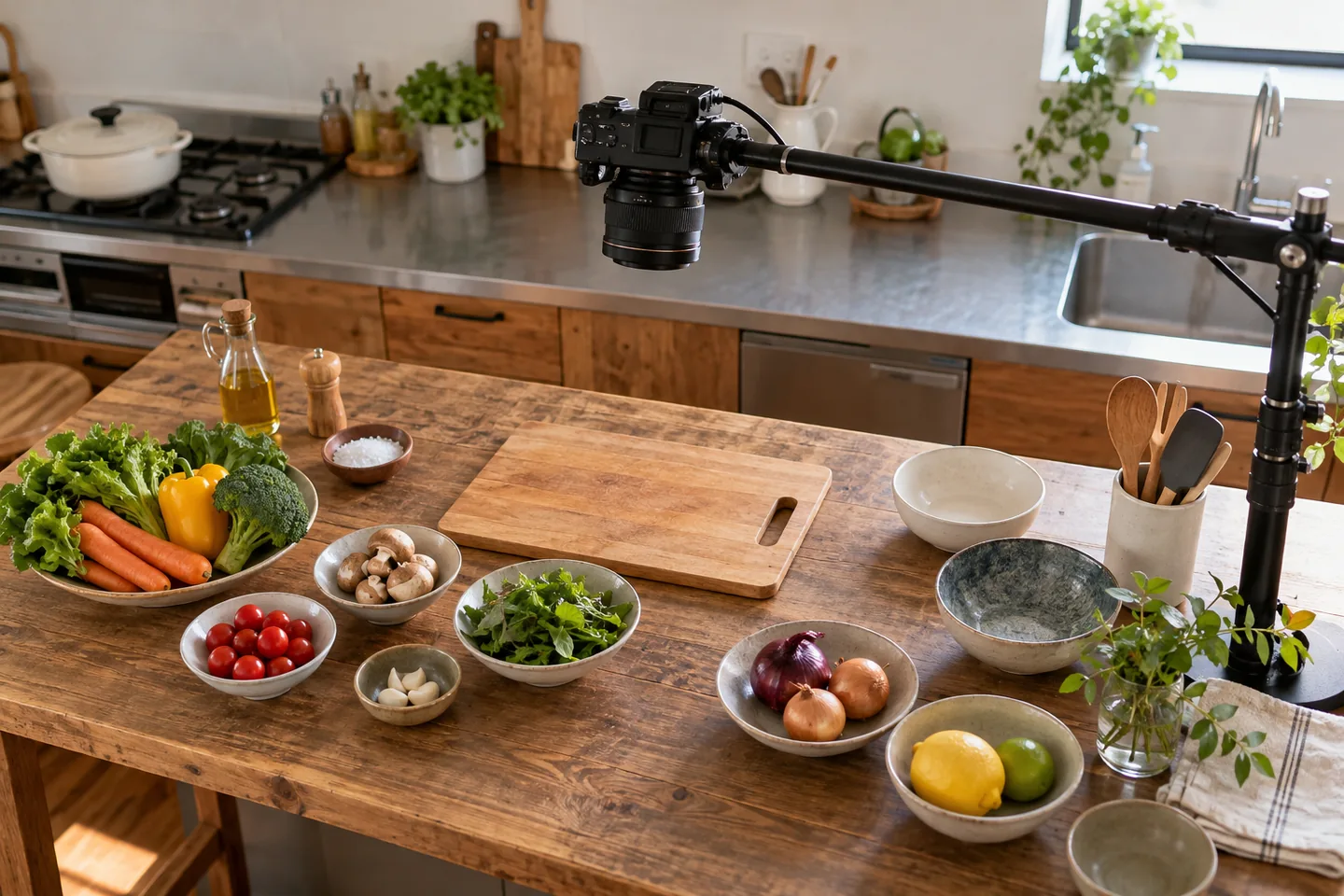
Define the recipe demonstration
Define whether the viewer needs a brief promotion or a recipe usable while cooking. The example shows vegetable soup preparation, heating and finishing from above. A ninety-second draft is a planning assumption, not a required format. Let necessary explanation determine the actual duration. Link to separate preparation details if needed. A shorter promotional version should select different material rather than squeeze the entire recipe into tiny captions and rushed narration.
Separate recipe facts from shooting order
Freeze ingredients, amounts, heating conditions and visible doneness cues in the recipe. Filming the final dish first is possible, but restore the actual order in the edit. Do not omit a safety-relevant step without explanation merely to shorten runtime. Reconcile quantities across speech, captions and the ingredient list after changes. Separate camera directions from cooking instructions so a filming convenience does not become a misleading instruction to the viewer.
Capture changes the viewer can see
Stabilize the camera and capture meaningful before-and-after states for cutting, mixing and heating. Indicate time jumps rather than implying instant cooking. Use detail shots or text for information hidden from above, such as controls or liquid depth. Reconcile continuity when filming later pickups. Plan irreversible actions carefully and review required footage before ingredients and equipment are cleared, otherwise a missing transition may require another complete cooking session.
Plan which before, during and after states are needed for each ingredient addition. When a pickup shot is filmed later, reconcile tool positions, cut sizes and liquid levels. Schedule irreversible cooking stages carefully if filming out of order. A person-free composition still needs a clear visual cue showing where the meaningful change occurs.
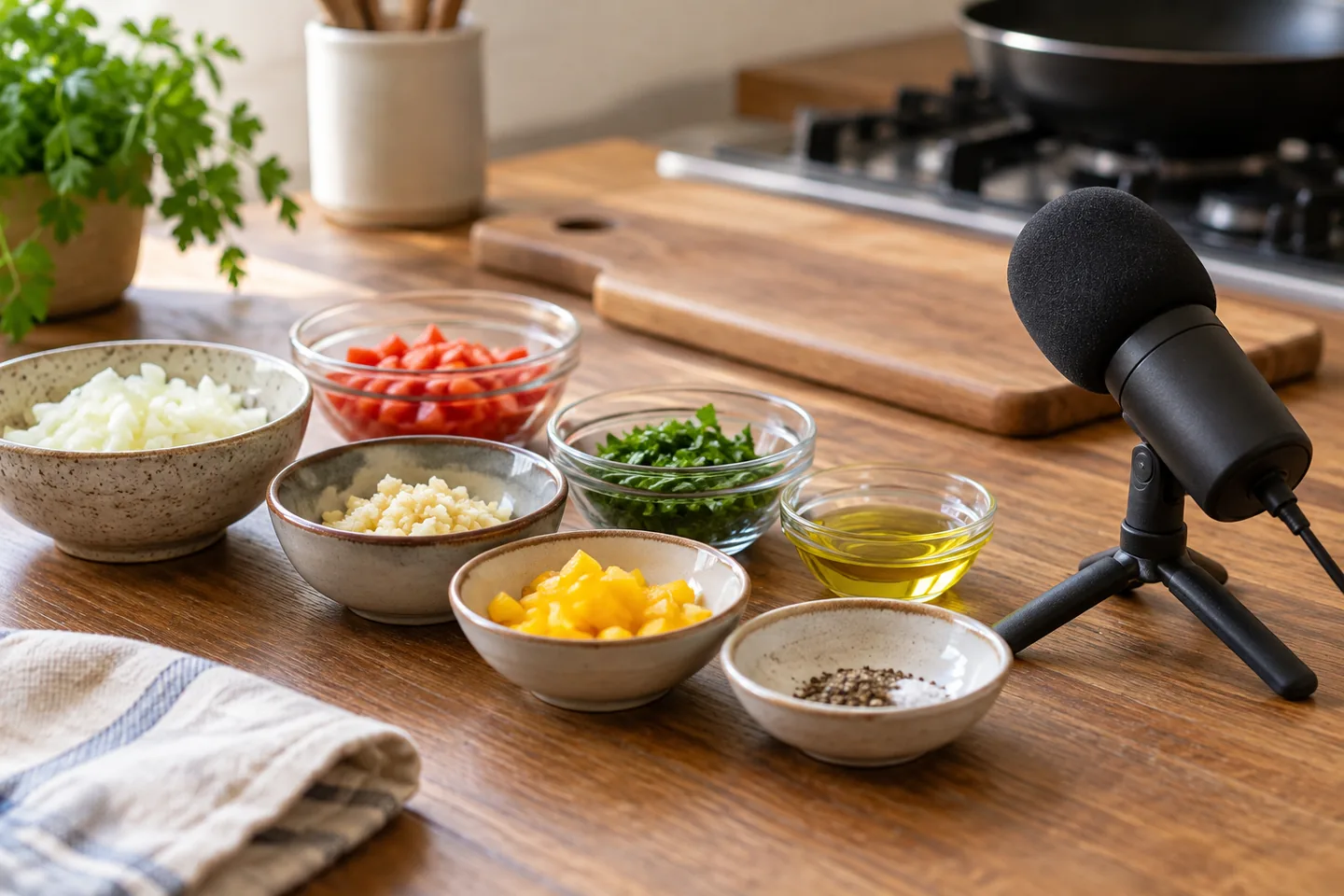
Write narration against the rough edit
Build a rough visual edit first, then mark the explanation needed at each scene. Avoid speaking an absent action or describing a stage only after it finishes. Use narration for sequence and visible cues instead of reading a full ingredient list over unrelated footage. Reconcile spoken numbers with captions. Extend or simplify the scene rather than forcing speed. After a partial regeneration, review neighboring voice, pacing and loudness as well as the corrected word.
| Item | Action | Acceptance check |
|---|---|---|
| Ingredients | Copy from the approved recipe | Spoken and displayed amounts agree |
| Stages | Capture before and after | Time jumps are clear |
| Final file | Play at its destination | Order and timing are checked |
Review separate visual and audio paths
Watch silently to assess whether the visible procedure works, then listen without watching to inspect transitions. Separate ingredient references from short action captions. Check speech over music on a phone speaker and inspect the exported file rather than only the timeline. Leave reading time during acceleration and clarify split-screen references. Comparing recipe and footage is different from physically reproducing the dish; record the review actually performed without expanding it into a stronger claim.
Reconcile ingredient names, amounts, units and cue times in an audio check sheet. Distinguish a deliberate recipe term such as to taste from an amount omitted during editing. Leave reading time during accelerated footage and make split-screen narration references unambiguous. A compact edit should not make viewers confuse two different cooking conditions.
Resolve recipe and footage mismatches
A recipe change requires checking the ingredient list, captions, narration and final serving together. Resolve different quantities or containers through a reshoot or clear explanation. Determine whether a term such as to taste is deliberate or an amount lost during editing. For restaurant promotion, reconcile the demonstrated offer with actual service. Keep drafts outside accepted assets and ensure a rollback does not silently restore facts invalidated by a recipe revision.
Budget and version the recipe assets
Budget ingredients, cooking, reshoots and quantity review separately from software. Two speech corrections differ substantially from repeating a heating stage; treat these as workload assumptions rather than measured costs. Verify individual music, font and template conditions. Deliver recipe, footage, project, script and export as one versioned package with destination records. Seasonal ingredient changes should identify affected releases. Finish acceptance for one dish before assuming the same production workload for an entire series. Do not mark the export accepted until its public presentation has also been reconciled with the recipe.
Estimate costs for your workload
Enter finished duration and regeneration assumptions to compare estimated characters with plan allowances.
Open cost calculatorOfficial sources
Pricing, availability and feature limits can change. Check the linked official pages before subscribing.
- CapCut desktop editing guideInformation checked: 2026-10-30
- ElevenLabs Text to SpeechInformation checked: 2026-10-30
- CapCut plansInformation checked: 2026-10-27
- CapCut Pro and export requirementsInformation checked: 2026-10-27
- CapCut commercial-material guidanceInformation checked: 2026-10-27
- CapCut account, region and subscription accessInformation checked: 2026-10-27
- ElevenLabs current plansInformation checked: 2026-10-27
- Japanese text to speechInformation checked: 2026-10-26
- Publishing and commercial useInformation checked: 2026-10-26
- ElevenLabs website and API credit distinctionInformation checked: 2026-10-27