Outcome and scope
Create a restaurant menu page that is readable on a phone and maintainable when dishes, prices or availability change. A single photograph of a paper menu is not enough for accessible, searchable information. Separate browsing the menu from placing an order, and choose the relevant site features around the actual service the restaurant offers.
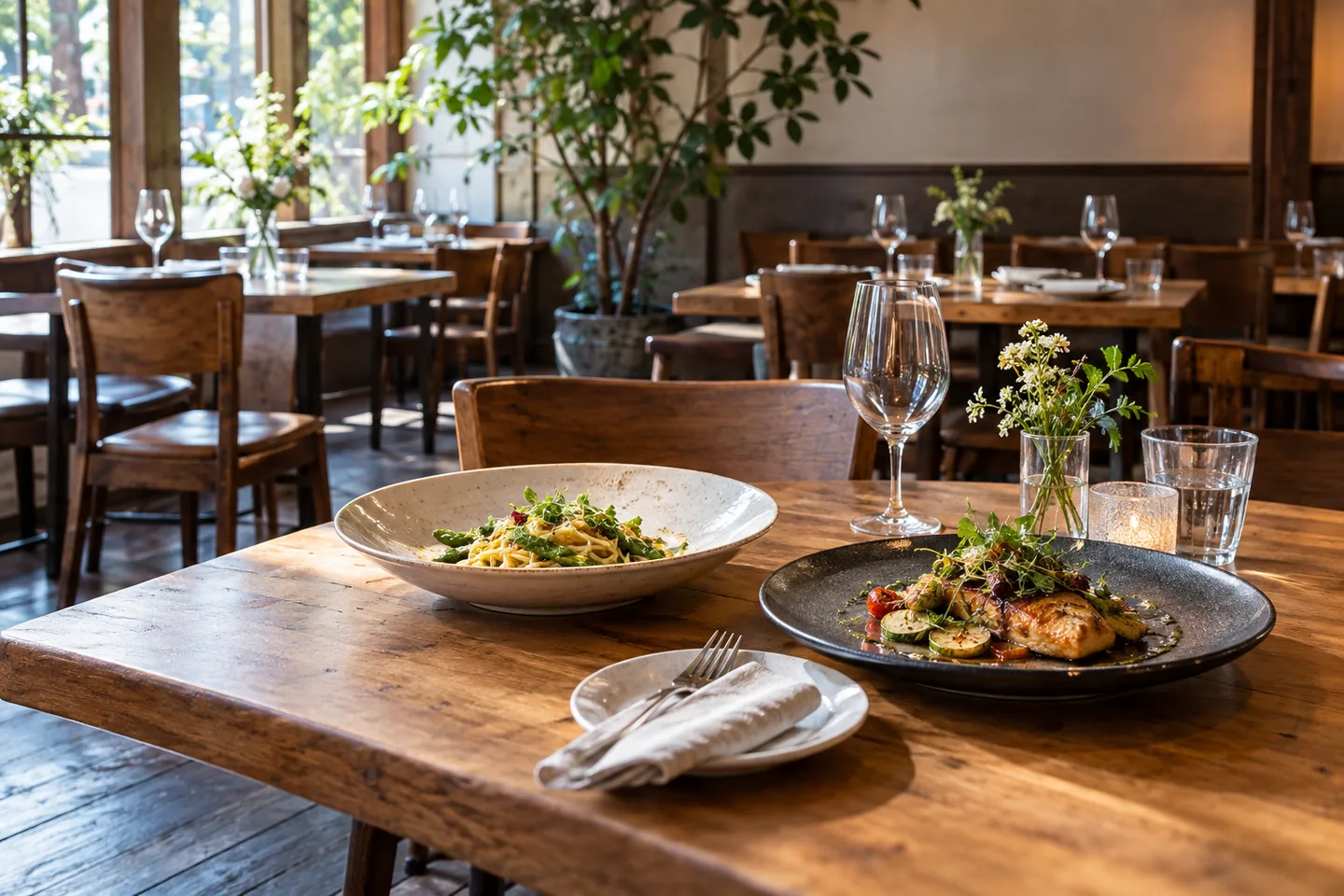
Use photos selectively to explain portions and distinctive dishes. Essential names, descriptions and prices must remain readable even if an image fails to load.
Prepare the fields and destination
Prepare these fields: Dish ID, name, description, price and unit, service period, image, visibility and update owner. Keep source values separate from a reviewer’s confirmed values, and do not reuse an existing column for a different meaning. Create the first record with practice identifiers in a destination whose read and edit access matches the intended staff roles. Inspect the saved result from that role before using live information.
Assign one owner for synchronizing online and in-store prices. Display-only menu visibility and an ordering app’s acceptance state need separate checks.
Build the workflow in order
Choose sections that match how guests browse, such as lunch, dinner and drinks. In a menu-management app, organize menu, section and dish records in that order. For a standard content page, keep equivalent fields consistent. Decide whether the site only displays dishes or also accepts orders before configuring ordering features.
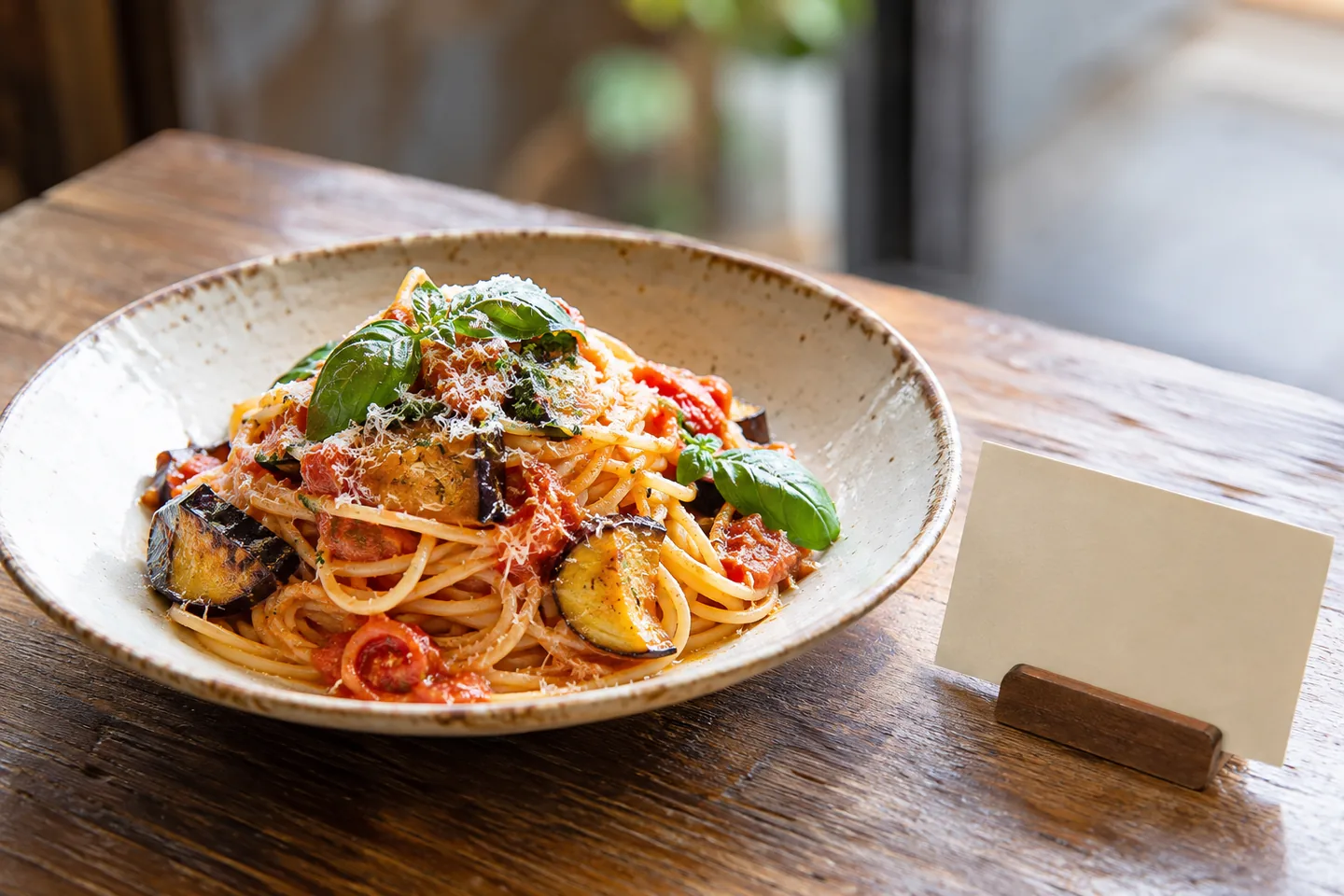
Publish the dish name and price as text, identifying whether it is a portion, set or optional extra. Choose imagery that accurately represents the served item and do not embed essential details only inside the image. Ingredient and dietary statements need confirmation by the restaurant rather than inference from a photograph.
Define who updates sold-out and seasonal items. Menu visibility and an ordering system’s stock state are different concepts, so inspect the live page after a change. On a phone, test section navigation and verify that names, prices and descriptions are readable without zooming into a flattened menu image.
Work through a small example
Start with three lunch sets and four drinks, then hide one seasonal dish. Confirm ordering and price units remain clear and agree with in-store information. If online ordering is not offered, avoid a purchase-looking action that leads nowhere. A guest should know whether the page is informational or part of an actual ordering journey.
| State | Check | Action |
|---|---|---|
| Normal menu | Dish name, description and price | Keep essential information as text |
| Season ended | One dish is no longer offered | Update its visibility |
| Price changed | In-store price was updated | Reconcile source and public page |
| Ordering enabled | An ordering app is used | Inspect acceptance state separately |
Handle changes during operation
Test a small menu and a longer one on a phone, including the restaurant’s QR-code entry route. Review image weight, text contrast and older downloadable menu links whenever the printed menu changes.
Estimate cost and usage
Displaying a menu, accepting orders and taking reservations have different requirements. Separate site subscription, domain and any ordering or payment costs. Assign responsibility for seasonal images and prices, and budget recurring update time. Begin with the actual guest journey rather than enabling unused sales features merely because the platform offers them.
Investigate failures
If an old price remains, find every copy in images, page text and the menu app. Re-entering the same value in several places creates maintenance drift, so assign an authoritative source. A downloadable PDF can still be useful, but keep the primary menu information available as readable page content.
Review before release
Before release, test a normal record, one missing a required value, a repeated identifier and an edited record. Use dish id to trace the saved result back to the source. The acceptance condition is: Guests can read dishes and prices on a phone, and staff can reliably update availability. Record the expected result before testing, compare it with the actual saved state, and resolve unexplained differences before increasing the scope.
Official sources
Pricing, availability and feature limits can change. Check the linked official pages before subscribing.
- Wix Restaurants: Setting up your menuInformation checked: 2026-10-30
- Wix Forms: Viewing and managing submissionsInformation checked: 2026-10-30
- Wix: Business informationInformation checked: 2026-10-30
- Wix plansInformation checked: 2026-10-26
- Upgrading your Wix siteInformation checked: 2026-10-26
- Wix Bookings site translationsInformation checked: 2026-10-26