Define routine announcement scope
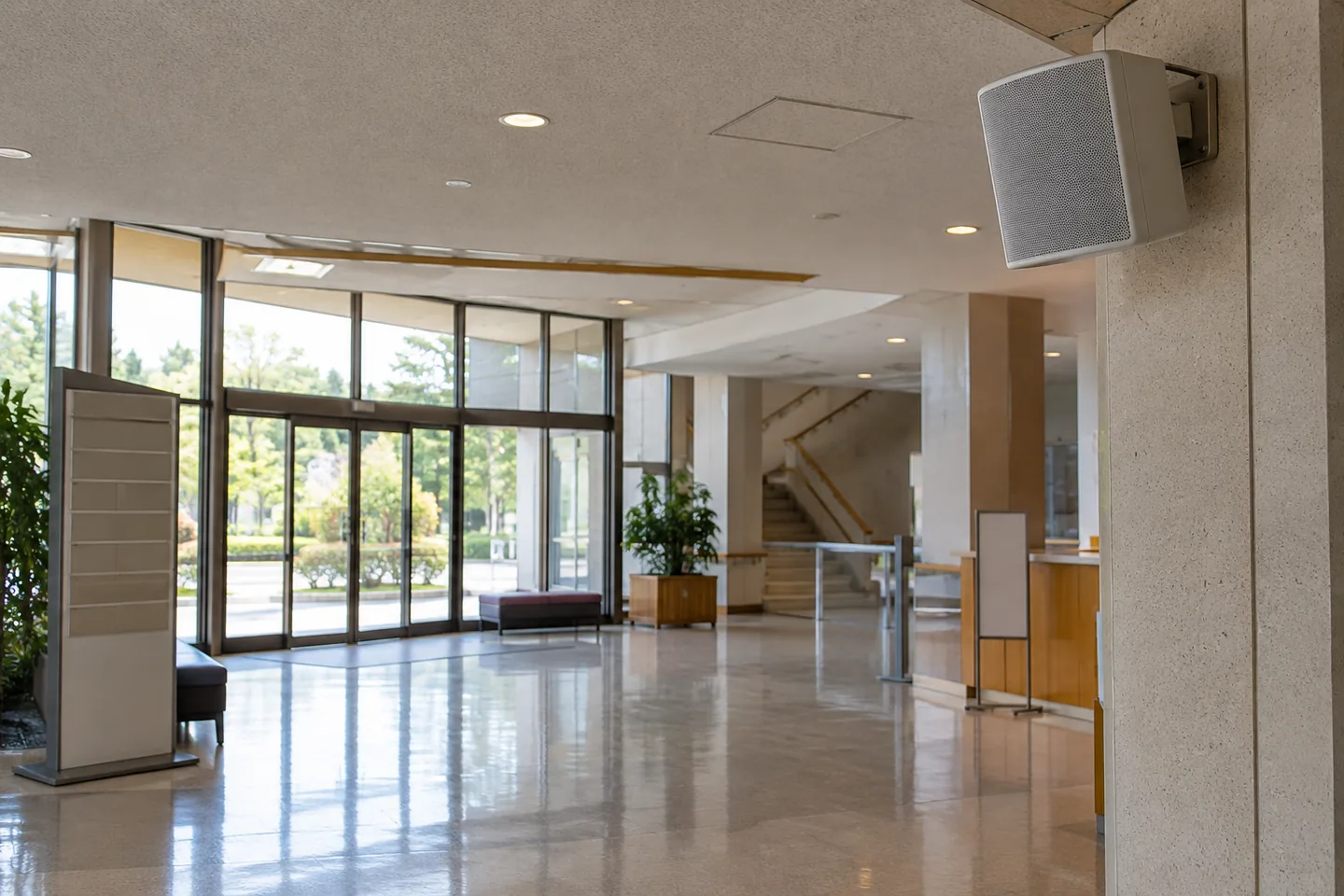
Give each routine recording one visitor action. Separate opening, break and closing messages, and do not treat this production process as an emergency-system procedure. The operator defines area, time and stop control. The example is a closing reminder covering borrowed-item returns before exit. Copy actual times from the operating schedule rather than retaining a drafting placeholder. Record whether playback is building-wide or limited to a room before approving the script.
Maintain changing facts explicitly
Keep time, room, day and event name as explicit maintained facts. Vague wording can become misleading when playback is delayed. Align floor and room names with physical signs and check language versions against the same destinations. Preserve the approved script version and owner. The equipment operator should not have to infer a wording change from a renamed file. Script approval and schedule replacement are different tracked actions.
Test a compatible audio sample
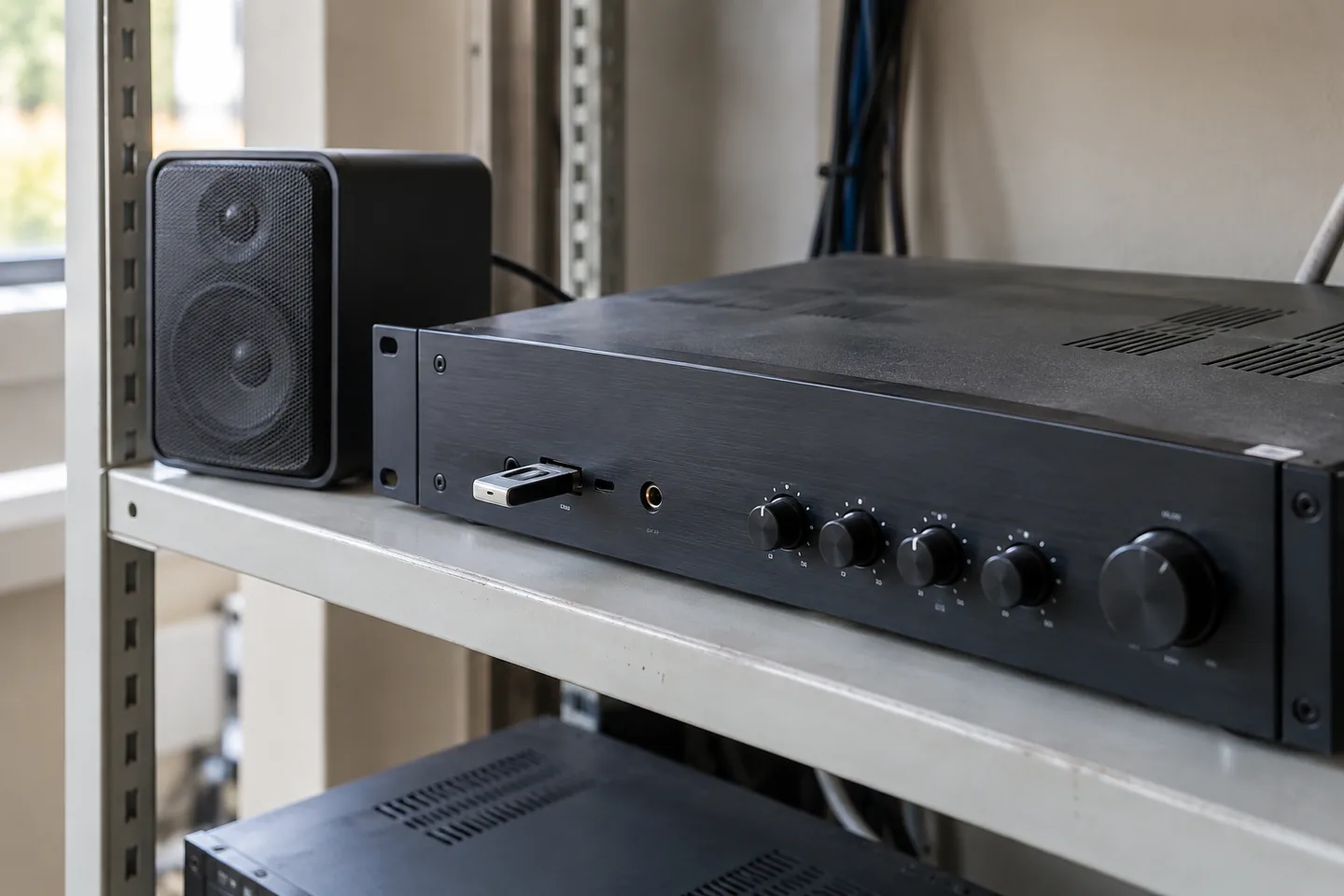
Start with a short sample in an encoding supported by the playback equipment. An MP3 or WAV extension alone does not establish compatibility; channels, sample rate and size can matter. Preview loudness is not a suitable amplifier-level specification. Verify one file before producing the library. Keep drafts separate and check device filename truncation. Follow equipment instructions and leave system configuration to its responsible operator rather than changing it unilaterally.
Check how filenames appear on the actual device. Truncation may hide a version suffix, so naming alone may not distinguish an approved file. Keep drafts outside the active playback location and verify any device ordering rules. The operator should be able to identify purpose and approval state without opening every recording.
Review intelligibility in the building
Listen with the operator at controlled locations such as entrance, corridor and counter. Record exact unclear words and the background conditions instead of only reporting poor clarity. Try shorter sentences, order or pauses before raising the whole level. Make language changes recognizable. One reviewed location does not establish building-wide intelligibility. Keep the factual check of times and rooms separate from acoustic suitability, since a clear recording can still give an incorrect instruction.
Record the listening position, ordinary background conditions and the exact unclear words. Try a shorter sentence or earlier room reference before increasing the whole message. Leave a recognizable boundary between language versions. Equipment level changes belong to the operator responsible for the system rather than being made unilaterally by the audio editor.
| Item | Action | Acceptance check |
|---|---|---|
| Script | Approve purpose and time | Matches facility signs |
| File | Test supported encoding on one device | Plays correctly |
| Schedule | Check exceptions and stop control | No obsolete message plays |
Map schedules to accepted files
Name accepted recordings by purpose and language, then check normal days, holidays, closures and duplicate triggers. Track schedule edits separately from file replacement. An exception may leave the regular trigger active, so compare before and after settings. Reconcile active messages and retain an absence contact. Saving a corrected file does not demonstrate that the scheduling system uses it, especially when the closing time or playback destination has changed.
Define how holiday opening, unexpected closure and shortened hours override the normal schedule. Adding an exception does not necessarily remove the ordinary trigger. Compare before and after settings, reconcile active files separately from times, and identify the contact for a correction when the main operator is absent.
Suspend an incorrect message before correction
Stop scheduled playback before correcting a message with the wrong time or room. Have the responsible owner approve the script, then test one controlled output before restoring service. Preserve the last compatible encoding. Do not use the whole building as an uncontrolled draft channel. Recheck language and schedule after factual changes and inspect other active locations for old copies. Record correction and operational restart as separate milestones with named approval.
Budget changes and operator handover
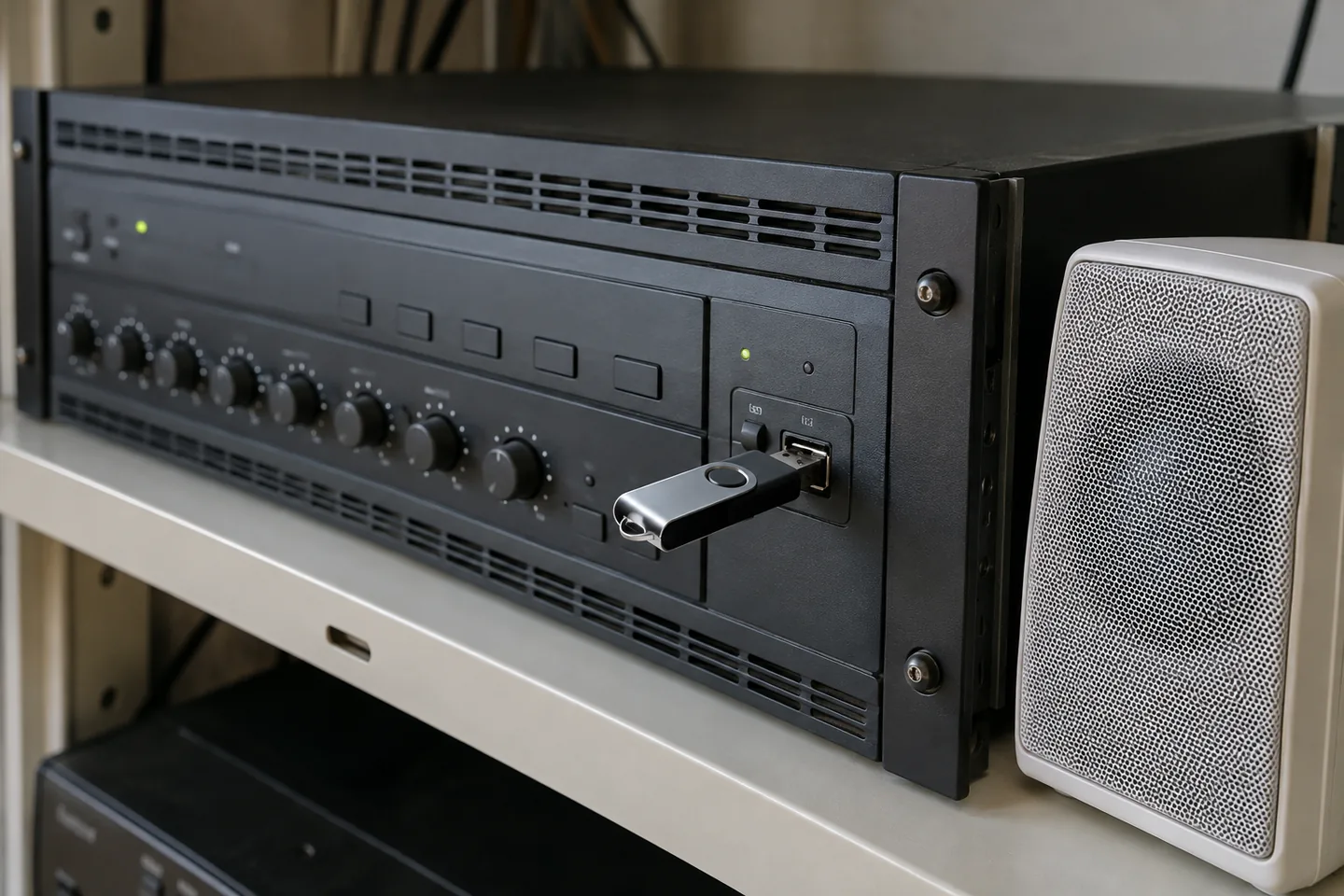
Estimate messages, languages, drafts, corrections and timetable changes. Four routine messages in two languages with one revision each is a hypothetical workload, not a provider allowance. Verify public-use conditions and storage separately from generation billing. Include operator time to accept replacements. Deliver scripts, files, device locations, schedules and a stop procedure. A folder alone cannot identify the active release, and a desk check must not be described as an on-site listening test.
Estimate costs for your workload
Enter finished duration and regeneration assumptions to compare estimated characters with plan allowances.
Open cost calculatorOfficial sources
Pricing, availability and feature limits can change. Check the linked official pages before subscribing.
- ElevenLabs Text to SpeechInformation checked: 2026-10-30
- ElevenLabs Text to Speech product guideInformation checked: 2026-10-30
- ElevenLabs current plansInformation checked: 2026-10-27
- Japanese text to speechInformation checked: 2026-10-26
- Publishing and commercial useInformation checked: 2026-10-26
- ElevenLabs website and API credit distinctionInformation checked: 2026-10-27
- WellSaid current studio pricingInformation checked: 2026-10-27
- Getting started with WellSaid StudioInformation checked: 2026-10-27
- WellSaid download allowanceInformation checked: 2026-10-27
- WellSaid pronunciation-library import/exportInformation checked: 2026-10-27
- Canceling a WellSaid Studio subscriptionInformation checked: 2026-10-27