Define the contribution of each image
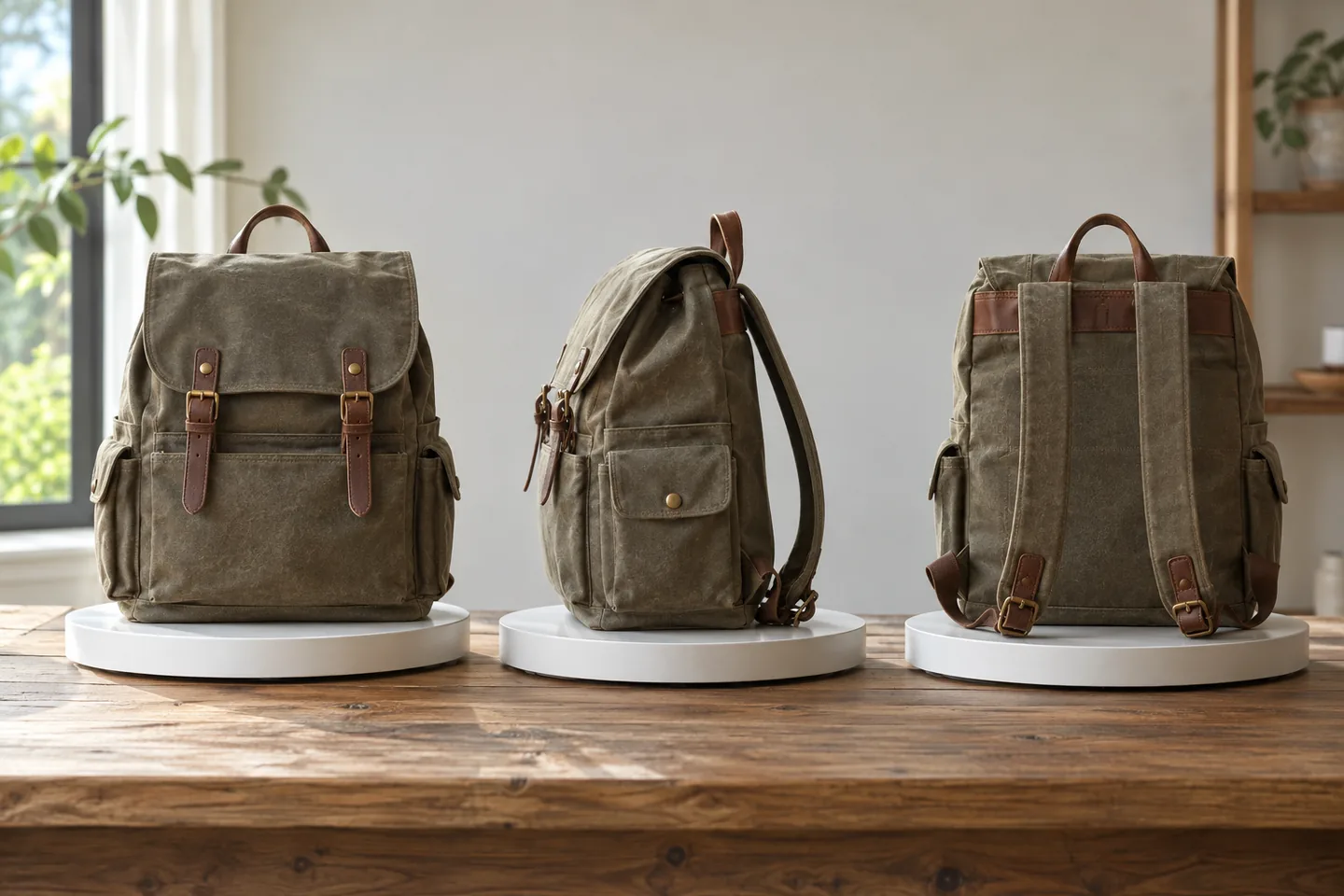
Alt text provides relevant image information when the picture cannot be seen; it is not a place to accumulate search phrases. The backpack example uses front, side and interior views, each contributing something different. Do not copy only the product name everywhere. Avoid inferring unreadable measurements from a ruler and keep verified dimensions in specifications. Consider surrounding copy and describe the useful visible distinction without inventing a property that the photograph does not establish.
Inventory products and actual media
Record product ID, media URL, position, content, existing description and language. Separate product, collection and editorial assets. Open the actual image rather than relying on its filename, and detect descriptions retained after a replacement. Distinguish deliberate decorative emptiness from unreviewed fields so automation does not fill both indiscriminately. Tie accepted wording to media history and avoid copying unnecessary personal data or visible identifiers into a public description.
Describe visible characteristics concisely
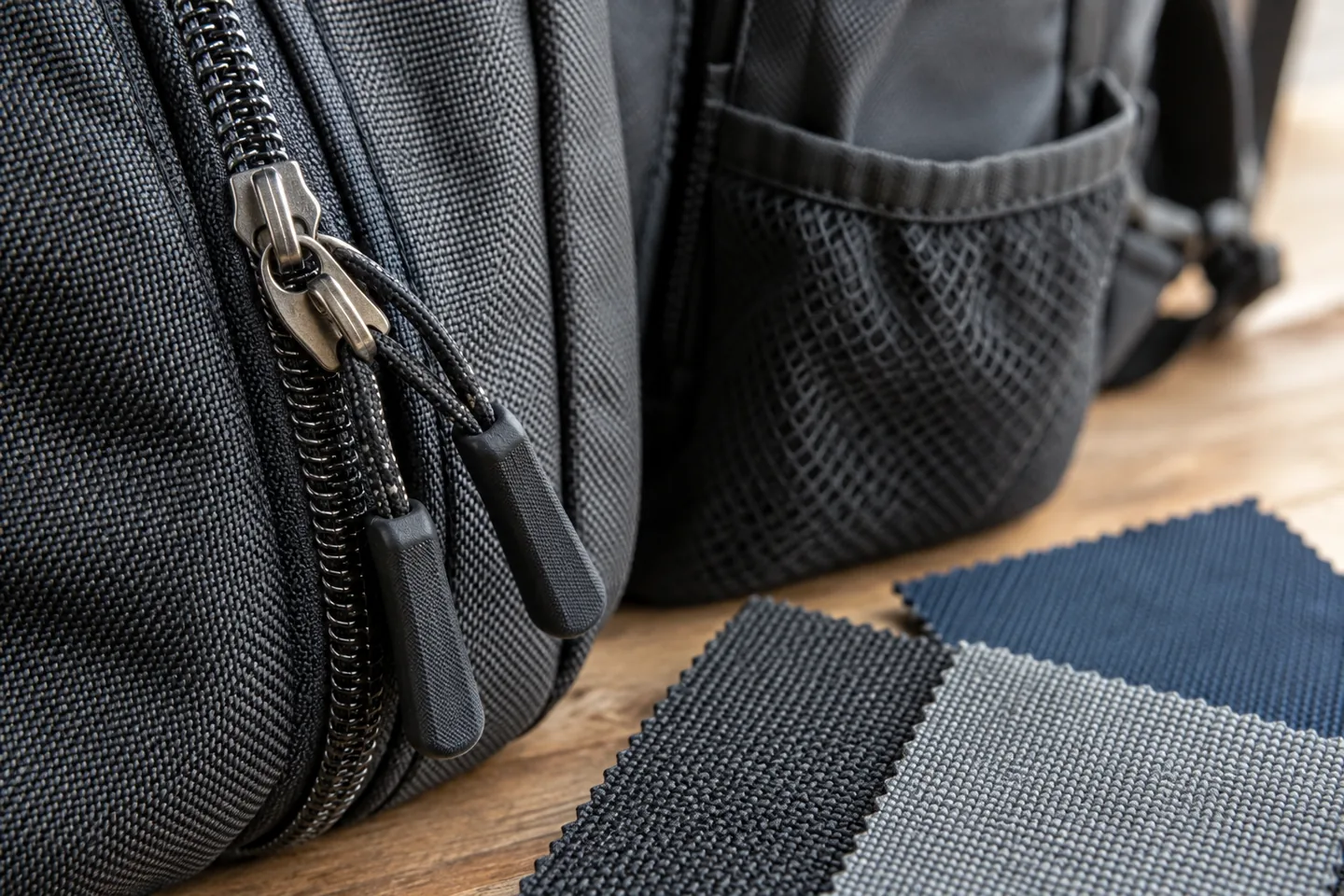
Use the product type and useful visible color or material for a full view; explain the relevant part for a detail. Do not infer waterproofing or capacity. Avoid copying the complete nearby description. A routine photograph needs no formulaic opening, while a cutaway representation may need identification. Example wording about a bottle pocket or divider applies only if that feature is actually visible. Reconcile official terminology rather than pasting a polished but factually wrong template.
For this example, useful distinctions might be the front of an unbleached canvas backpack, its side bottle pocket and an internal divider. These are not universal descriptions to paste onto unrelated products. Reconcile terminology with the product record and change the wording when the actual image differs. Readability alone does not establish factual accuracy.
Handle decoration and linked images appropriately
Pure decoration may appropriately use empty alternative text. A linked image also needs its navigation purpose considered, including nearby link wording. Do not fill every blank mechanically. Product media and theme images can have different editing paths in Shopify, so verify instructions for the target asset. The presence of a field does not mean every image needs a long description. Review the reading sequence for useful information rather than maximizing populated fields.
| Item | Action | Acceptance check |
|---|---|---|
| Full view | Describe identifying features | Matches the actual image |
| Detail | Explain the relevant part | Its distinct contribution is clear |
| Public page | Extract the target attribute | Accepted wording reaches the right image |
Verify saved and rendered values
Inspect the public attribute after saving, including mobile variants and lazily inserted media. Keep saved and extracted values separate to detect theme or language transformations. Where possible, review the flow with assistive technology for needless repetition. A lower missing-field count is a technical result, not proof of useful descriptions. Ensure wording does not imply an unavailable color or function and sample rendered pages rather than relying solely on the editorial inventory.
Keep saved and publicly rendered values in separate columns. Theme logic or language handling can alter the result, so an admin screenshot is insufficient evidence of the public attribute. Review linked-image wording alongside surrounding link names. Ensure the description does not imply an available color or function that the actual product selection does not offer.
Fix mapping errors before polishing text
Correct a wrong product-image mapping instead of writing around it. Inspect pairs when variant selection changes media. Translate for useful identification rather than isolated word replacement. Preserve originals before constrained bulk edits and avoid restoring old product data. Review automatic suggestions for invented features. Fluent wording and correct product identification are separate acceptance criteria, and changes should remain traceable to the media replacement history.
Budget judgment and ongoing review
Separate inspection, product verification, writing, language review and public extraction. Five backpacks with three views in two languages is a workload example, not a guarantee of one universal bulk process. Similar products can require different accessory research. Pilot representative decisions and deliver media IDs, accepted wording, language, dates and destinations. Add review to future additions and reshoots. Monitor image and web evidence separately without promising rank gains from an alt-text edit alone.
Official sources
Pricing, availability and feature limits can change. Check the linked official pages before subscribing.
- Google image SEO best practicesInformation checked: 2026-10-30
- Shopify: Adding alt text to mediaInformation checked: 2026-10-30
- Shopify Japan pricingInformation checked: 2026-10-26
- Shopify US pricingInformation checked: 2026-10-26
- Shopify pricing and billing overviewInformation checked: 2026-10-26
- About Google Search ConsoleInformation checked: 2026-10-27
- Search Console performance metrics and setupInformation checked: 2026-10-27
- Search Console dimensions and data groupingInformation checked: 2026-10-27