- Identify both the event and admission
- Keep registration and entry records distinct
- Validate scanned input before entry
- Make admission a one-time transition
- Use a small rehearsal admission set
- Treat network loss as an uncertain result
- Budget around the opening rush
- Define corrections and post-event retention
Identify both the event and admission
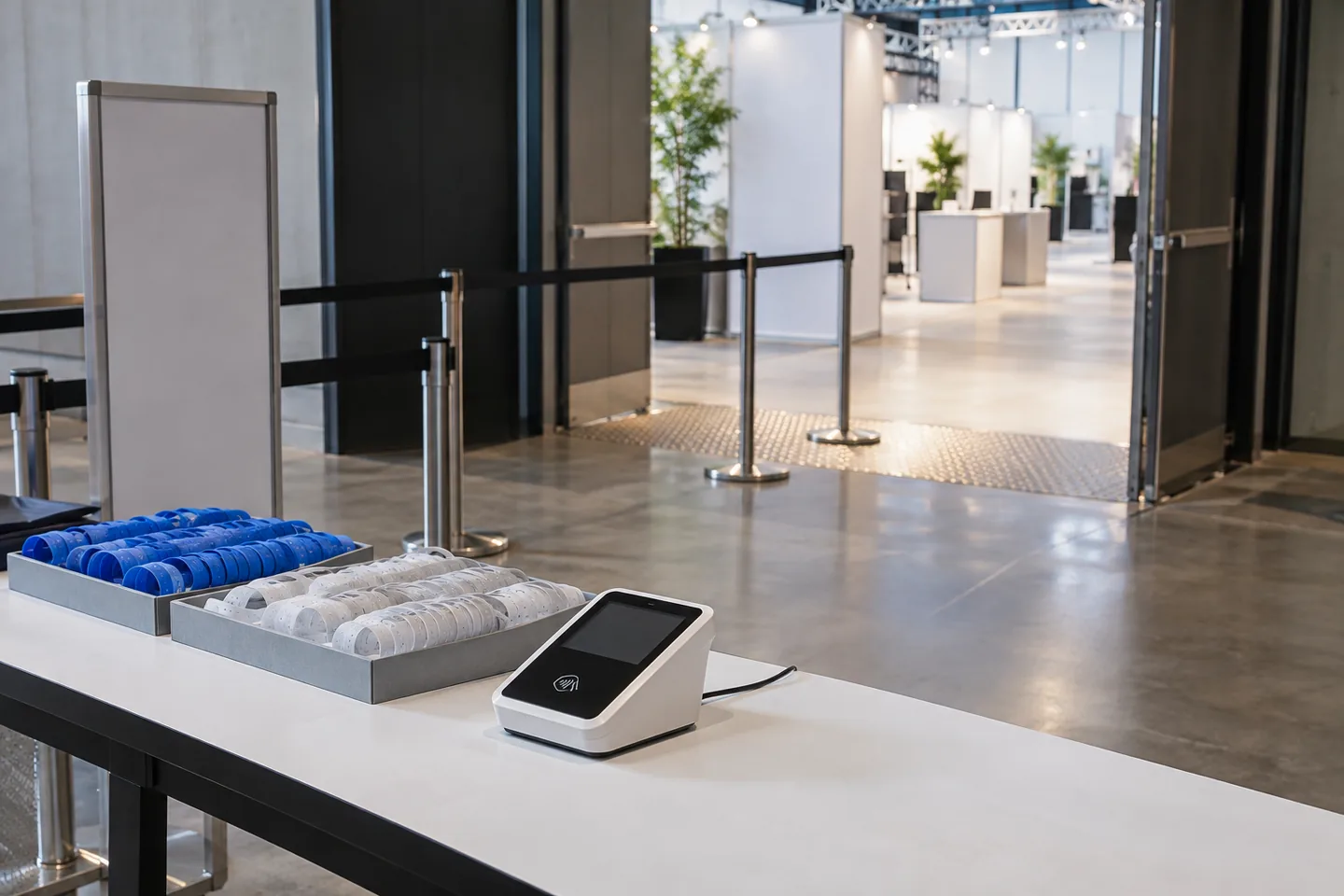
Use a forty-person workshop as the example. Give each attendee an admission identifier and combine it with an event ID when looking up entry. A reused numbering scheme must not admit someone from a previous event. Scope the first release to check-in, manual lookup and staff history. Leave ticket sales and seat exchanges out until the authoritative participant list and correction process are clearly defined.
Keep registration and entry records distinct
Store eligibility and the minimum lookup details in registrations. Record entry time, staff identity, device and operation key in linked check-in rows. This preserves which registration was admitted instead of hiding the event in an overwritten display field. Restrict each staff role to the relevant event. A public confirmation page needs its own access design; a predictable sequential number should not expose participant details by itself.
Validate scanned input before entry
A camera or reader produces input, not permission to admit someone. Check format, event and registration eligibility before changing entry state. Provide manual entry through the same validation path. Define only permitted normalization, such as trimming surrounding whitespace. Do not have the agent repair missing digits or select the closest-looking participant automatically. Searching possible matches and confirming admission are different actions with different consequences.

Make admission a one-time transition
Check eligibility and create the entry record in one server-side operation. A uniqueness rule for the event and registration can prevent two desks from recording valid entries simultaneously. Show pending until persistence succeeds. Repeating the same operation key should return its previous result, while a genuinely new attempt should explain that admission was already recorded. A disabled button in one browser is useful feedback, but cannot coordinate independent entrance terminals.
Use a small rehearsal admission set
Prepare fictional E-001 as eligible, E-002 as cancelled and E-003 as belonging to another event. Expect one successful entry for E-001, a duplicate response on its next attempt and distinct rejection reasons for the other IDs. These are proposed acceptance cases, not a claim of venue testing. Submit E-001 from two staff sessions close together and compare the persisted record after refreshing both pages.
| Rehearsal input | Expected result | Record to inspect |
|---|---|---|
| First submission for eligible E-001 | Save one admission | Event and admission identifier |
| E-001 from two desks | Only one valid admission | Duplicate response and entry time |
| Cancelled E-002 | Do not admit | Cancellation state |
| E-003 for another event | Show wrong-event response | Event identifier |
Treat network loss as an uncertain result
Show unsent or outcome unknown when connectivity fails. A locally decoded number is not confirmed admission. After reconnecting, query or retry with the same operation key to recover any saved result. Two disconnected devices cannot know each other's new entries. If offline operation is required, design venue procedures such as assigned entrance lists or a fallback register and reconcile held entries later. Browser storage alone cannot guarantee global duplicate prevention.
Identifiers are fictional rehearsal data. A scan during an outage is not a confirmed entry.
Budget around the opening rush
Separate Cursor development usage from the server and database serving the venue. A modest monthly attendee count can still create a burst when several desks open together. Rehearse response times in the chosen environment rather than assuming capacity from the total registrations. Include readers, connectivity, chargers and spare devices in the operational budget. Start with one entrance and redefine the entry rules before adding re-entry or multiple independent doors.
Define corrections and post-event retention
Let an authorized manager correct a particular entry with a reason and an audit record. Ordinary staff should not delete history to make totals look right. If the event allows re-entry, represent it separately instead of bypassing duplicate errors. Review entrance access after the event and set a retention period for participant details. Clear the previous participant's information from the desk view, and reconcile event IDs, admission IDs and saved outcomes before operational handoff.
Official sources
Pricing, availability and feature limits can change. Check the linked official pages before subscribing.
- PostgreSQL — ConstraintsInformation checked: 2026-10-30
- PostgreSQL — Explicit lockingInformation checked: 2026-10-30
- Next.js — FormsInformation checked: 2026-10-30
- Cursor pricingInformation checked: 2026-10-26
- Cursor models and pricingInformation checked: 2026-10-26
- Cursor Agent overviewInformation checked: 2026-10-26