
Outcome and scope
Manage portfolio case studies as CMS items with images, responsibility boundaries, publication permission and related content. A useful case explains what the company actually delivered, not merely how attractive the photographs are. Keep confidential client details and working materials out of the public item, even when they are available in the project’s internal folder.
Explain the brief, your responsibility and the decisions behind the work. Quantified outcomes need a defined period and evidence, not an inferred success claim.
Prepare the fields and destination
Prepare these fields: Project ID, title, scope of work, completion period, publication permission, approved images, public description and URL slug. Keep source values separate from a reviewer’s confirmed values, and do not reuse an existing column for a different meaning. Create the first record with practice identifiers in a destination whose read and edit access matches the intended staff roles. Inspect the saved result from that role before using live information.
Test optional clients, long titles and mixed photo proportions in the same template. Categories should reflect a reader’s work needs, not superficial naming variations.
Build the workflow in order
Define a case-study Collection in Webflow with separate fields for title, summary, responsibility, approved images and category. Add ordering or related references only where useful. Keep confidential supporting agreements in an internal register; placing an attachment on a public CMS item is not an appropriate private evidence store.
Bind listing cards and detail templates to the same fields. Test image proportions, alternative text and long titles. Describe actual responsibilities such as design, implementation or photography, and distinguish contributions by partner firms so the portfolio does not implicitly claim ownership of work it did not perform.
Before publishing, review names, locations, imagery and figures against permission. Treat saving a draft and publishing as separate actions, then inspect both the listing and detail URL. A collection-schema change also requires checking existing items for missing values and confirming the template still renders them correctly.
Work through a small example
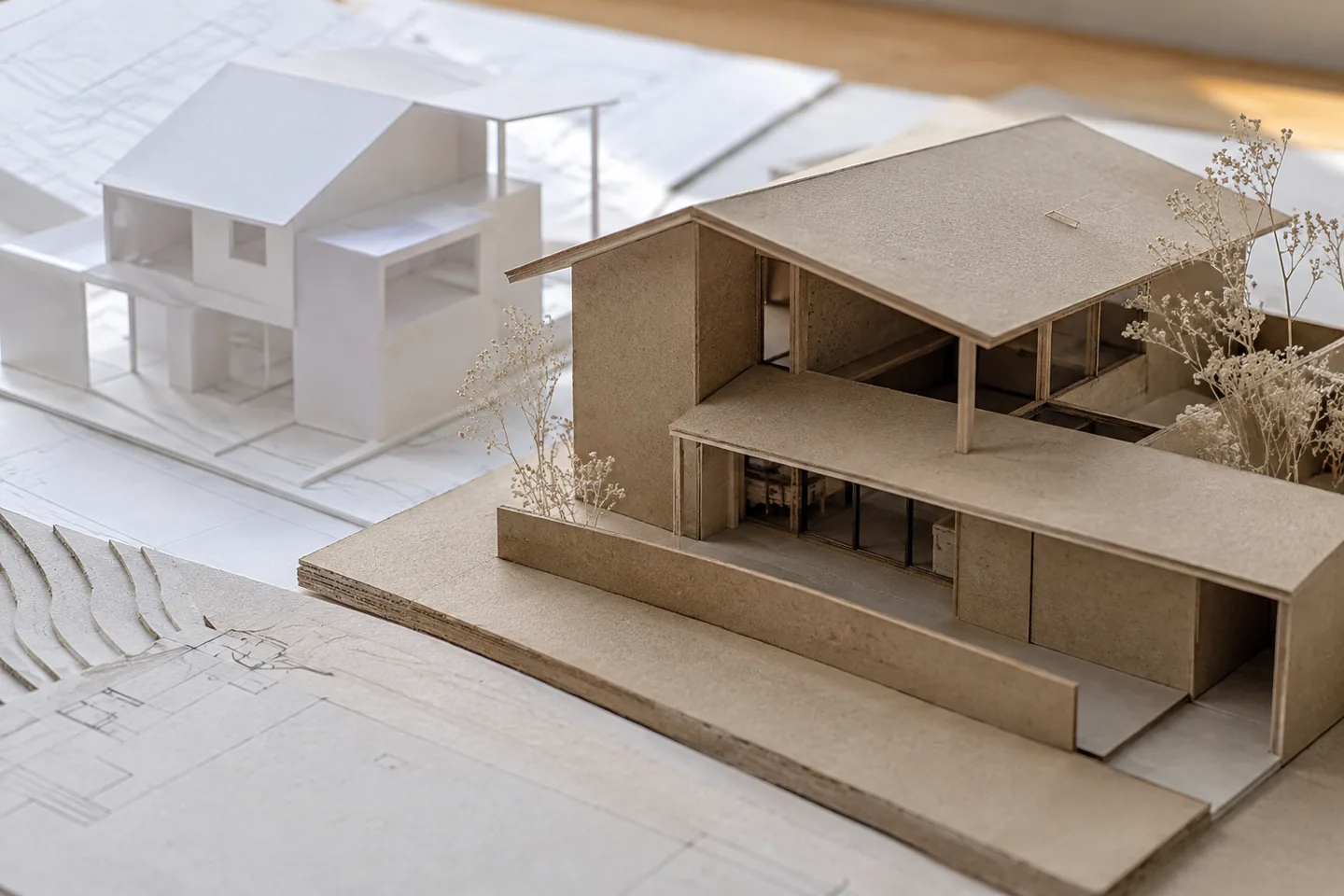
Create three architectural-model cases and keep the client name private in one. Check headings, image descriptions, listings and search-facing fields for unintended disclosure. Replace a photo and confirm it does not alter the stated scope of work. The same visual asset can otherwise give a false impression when detached from its project context.
| State | Check | Action |
|---|---|---|
| Case draft | Public fields entered | Review permission and scope |
| Pre-publication review | Names, images and figures | Publish only permitted details |
| Published | Listing and detail use the same item | Inspect both live destinations |
| Permission withdrawn | Restricted use identified | Review body and listing imagery |
Handle changes during operation
A published case URL may be used in proposals and external references. Avoid changing it casually, and distinguish a client-review draft link from a publicly released portfolio item.
Estimate cost and usage
Separate the design workspace from the published Webflow site and review current CMS, editor and storage conditions. Additional languages can change both subscription and editorial work. Test the template with a few varied cases before bulk entry to avoid a costly migration of every item later. Permission review and writing remain part of the production budget.
Investigate failures
For a missing update, inspect item publication state, template bindings and the destination site. If a slug changes, handle old links through an appropriate redirect. When permission is withdrawn, check listing cards and other pages using the imagery as well as the main CMS detail; removing one item may not remove every use.
Review before release
Before release, test a normal record, one missing a required value, a repeated identifier and an edited record. Use project id to trace the saved result back to the source. The acceptance condition is: Keep project facts and permissions aligned across the listing and detail page. Record the expected result before testing, compare it with the actual saved state, and resolve unexplained differences before increasing the scope.
Official sources
Pricing, availability and feature limits can change. Check the linked official pages before subscribing.
- Webflow: Collection fieldsInformation checked: 2026-10-30
- Webflow: Saving and publishing Collection itemsInformation checked: 2026-10-30
- Webflow Site and Workspace plansInformation checked: 2026-10-27
- Webflow Workspace and Site plansInformation checked: 2026-10-26
- Webflow code exportInformation checked: 2026-10-26