Outcome and scope
Create a directions page that helps a first-time visitor reach the correct entrance during actual opening hours. A map pin alone may lead to the right building but the wrong door. Combine the address with floor, entrance imagery, practical route instructions and a clear way to announce temporary closures.
Publish breaks, last admission and closing time separately when they differ. Temporary exceptions need dates and a clear owner who can update them during an absence.
Prepare the fields and destination
Prepare these fields: Store name, address, building and floor, regular hours, closed days, temporary changes, approach route and entrance image. Keep source values separate from a reviewer’s confirmed values, and do not reuse an existing column for a different meaning. Create the first record with practice identifiers in a destination whose read and edit access matches the intended staff roles. Inspect the saved result from that role before using live information.
Prioritize confusing turns over a long generic route description. Keep address and directions as text, and do not claim a walking time or step-free route that has not been verified.
Build the workflow in order
Establish one authoritative record for address, building, floor and telephone. Reconcile the page with business information stored in the site platform. The available hours settings depend on the installed apps, so inspect the actual editor and live output rather than assuming every Wix site exposes the same business-hours control.
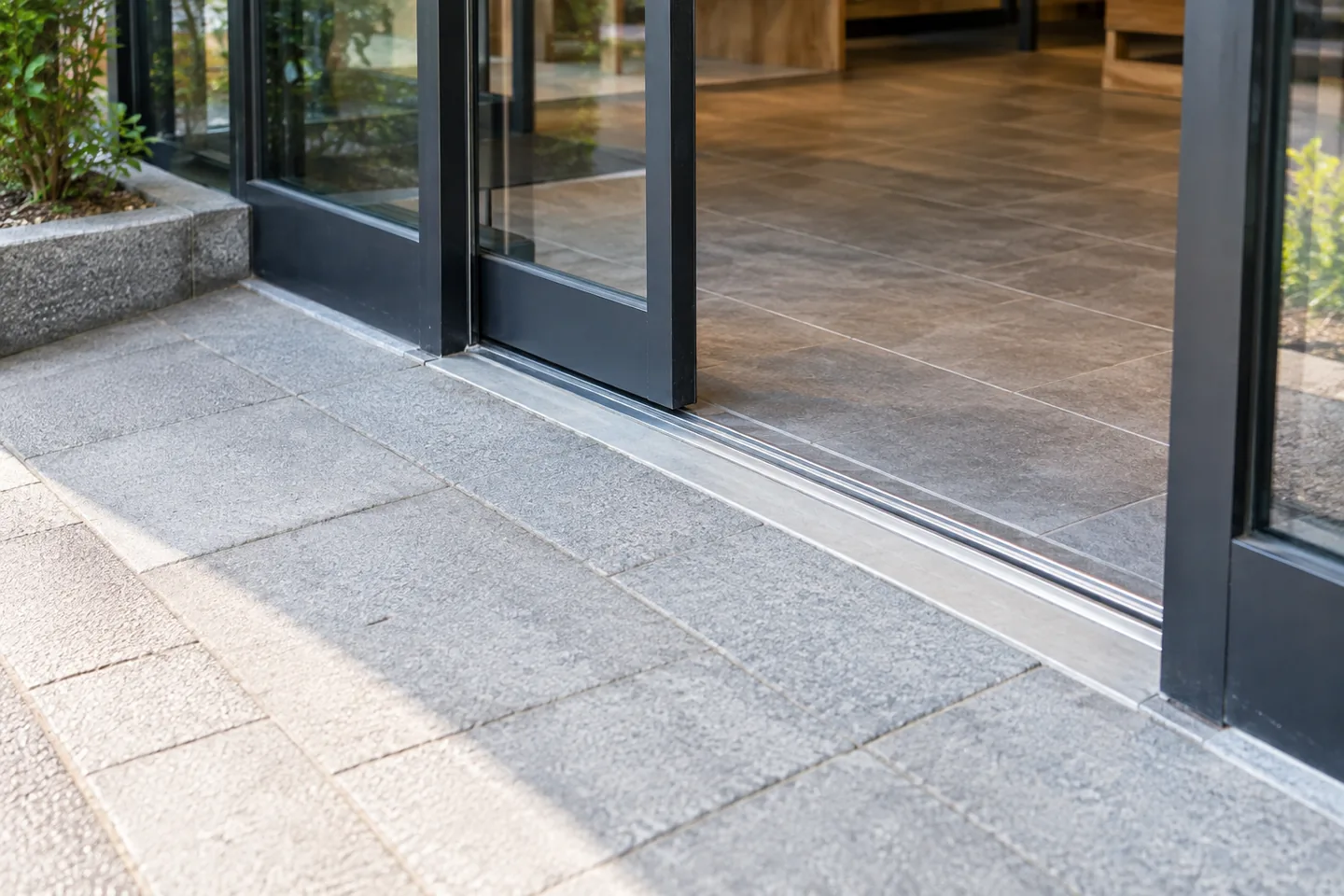
Add a map and verify the pin, then provide concise written directions from a recognizable station exit or landmark. Use an entrance photo that explains the approach. State verified facts about steps or an alternative entrance; do not infer accessible access from a photograph that merely looks level.
Separate recurring hours from temporary exceptions and give each exception a specific date or end date. Clarify the meaning of days for late-night service crossing midnight. On a phone, test map, call and directions actions, and check that a visitor can identify today’s opening condition before needing to contact staff.
Work through a small example
For a second-floor shop entered from the rear, do not stop at a photograph of the building front. Explain the route around the building and the stairs. On a temporary closure date, ensure ordinary hours do not remain the only prominent information. Verify that a map search has not selected another branch with the same name.
| State | Check | Action |
|---|---|---|
| Ordinary hours | Day, opening, closing and break | Make today’s condition clear |
| Temporary closure | Specific dates and end date | Display before ordinary hours |
| Confusing entrance | Rear door or another floor | Add the key turn and image |
| Relocation | Address and approach changed | Update maps, invitations and old links |
Handle changes during operation
Reconcile branch names and contact details with maps and booking pages. A move or construction change also affects existing invitations and printed directions, not only the current website.
Estimate cost and usage
Start by checking whether an ordinary content page can provide the needed directions and hours. Review contracts for map, booking or business integrations only when they are used. Include closure and relocation updates in maintenance cost. A reliable ownership process for correcting hours can be more valuable than an unused reservation feature.
Investigate failures
When visitors get lost, inspect the station exit, construction, signage and the route after dark, not only the postal address. One accurate photo at a confusing turn may be clearer than a longer paragraph. A relocation needs coordinated updates to page text, platform business data, maps and older directions links.
Review before release
Before release, test a normal record, one missing a required value, a repeated identifier and an edited record. Use store name to trace the saved result back to the source. The acceptance condition is: A phone visitor can establish current hours and find the actual entrance. Record the expected result before testing, compare it with the actual saved state, and resolve unexplained differences before increasing the scope.
Official sources
Pricing, availability and feature limits can change. Check the linked official pages before subscribing.
- Wix: Adding Google MapsInformation checked: 2026-10-30
- Wix Forms: Viewing and managing submissionsInformation checked: 2026-10-30
- Wix: Business informationInformation checked: 2026-10-30
- Wix plansInformation checked: 2026-10-26
- Upgrading your Wix siteInformation checked: 2026-10-26
- Wix Bookings site translationsInformation checked: 2026-10-26